Deep Dive: Teardown of a consumer-grade exoskeleton—what exactly are the secrets behind supportive lower-limb assistive exoskeletons?
Overall System Architecture: From the Exterior to the Core Framework
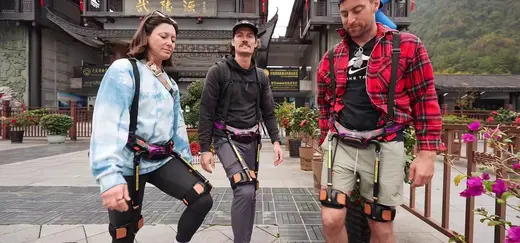
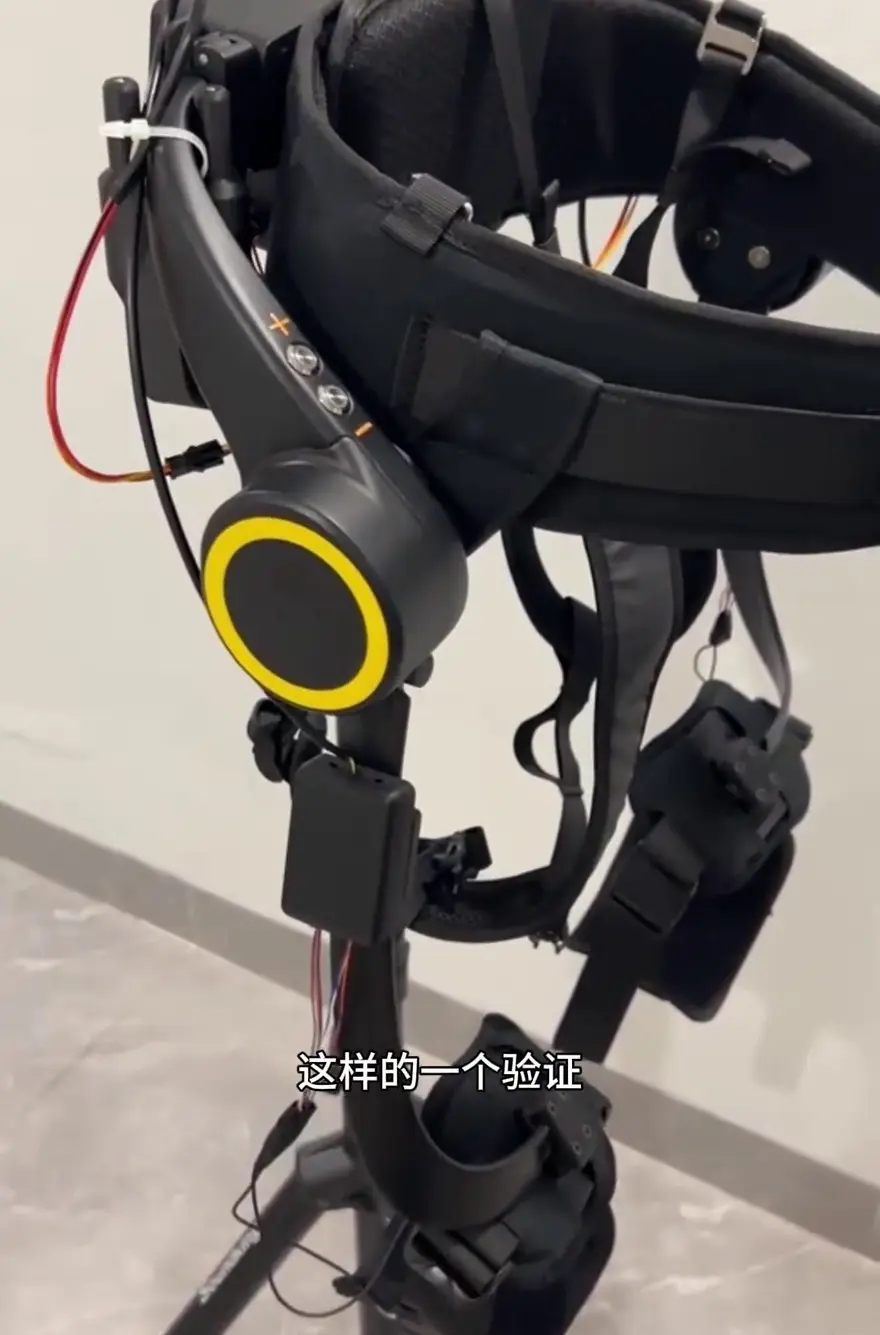
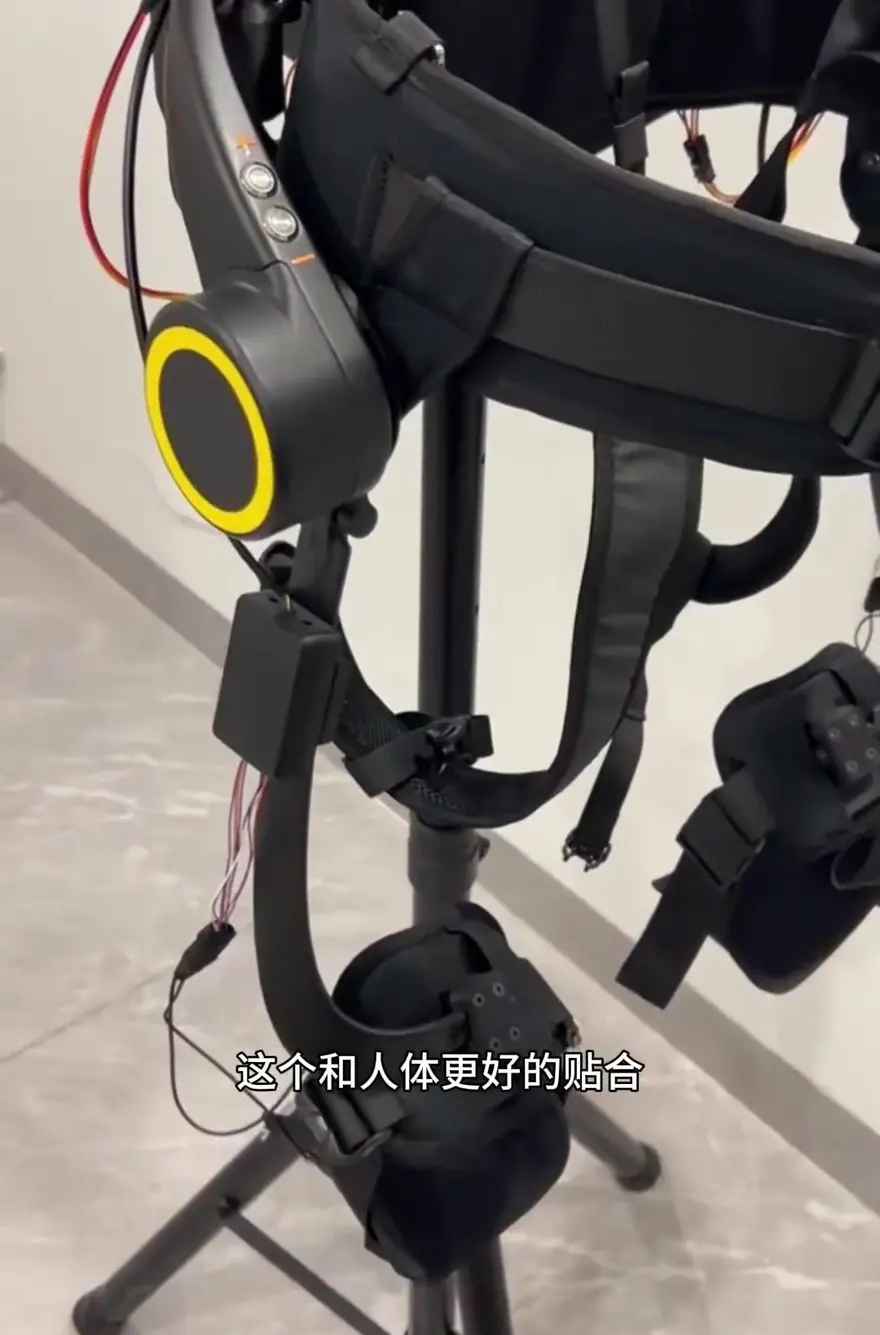
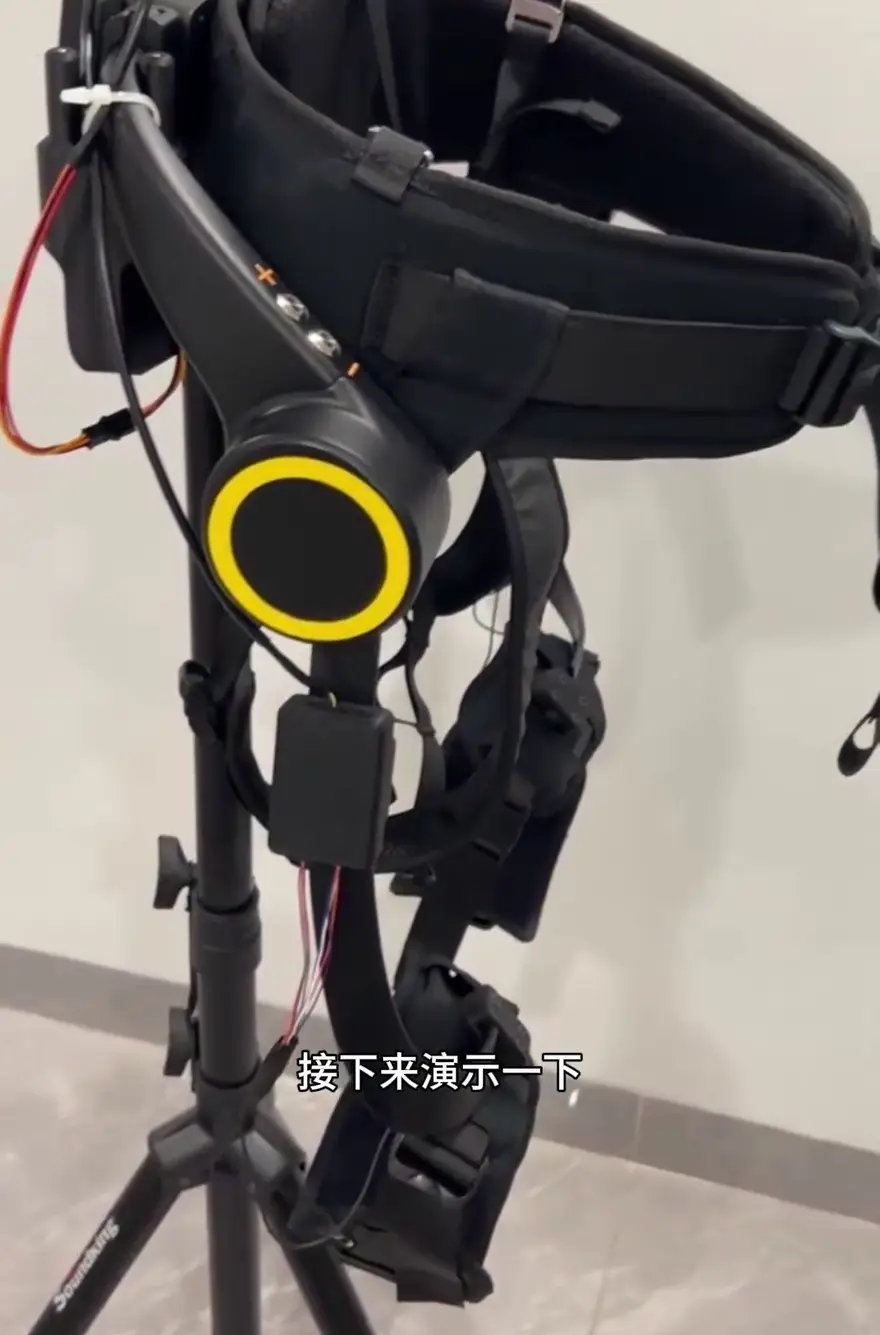
At the beginning of the video, the creator showed us the complete build of this lower-limb exoskeleton and underscored its positioning as a consumer-grade exoskeleton, giving viewers a vivid sense of the system’s sophistication. What stands out most isn’t any single spec, but the way sensing, control, and actuation are packed into an everyday-wearable form factor. Let’s break it down piece by piece.
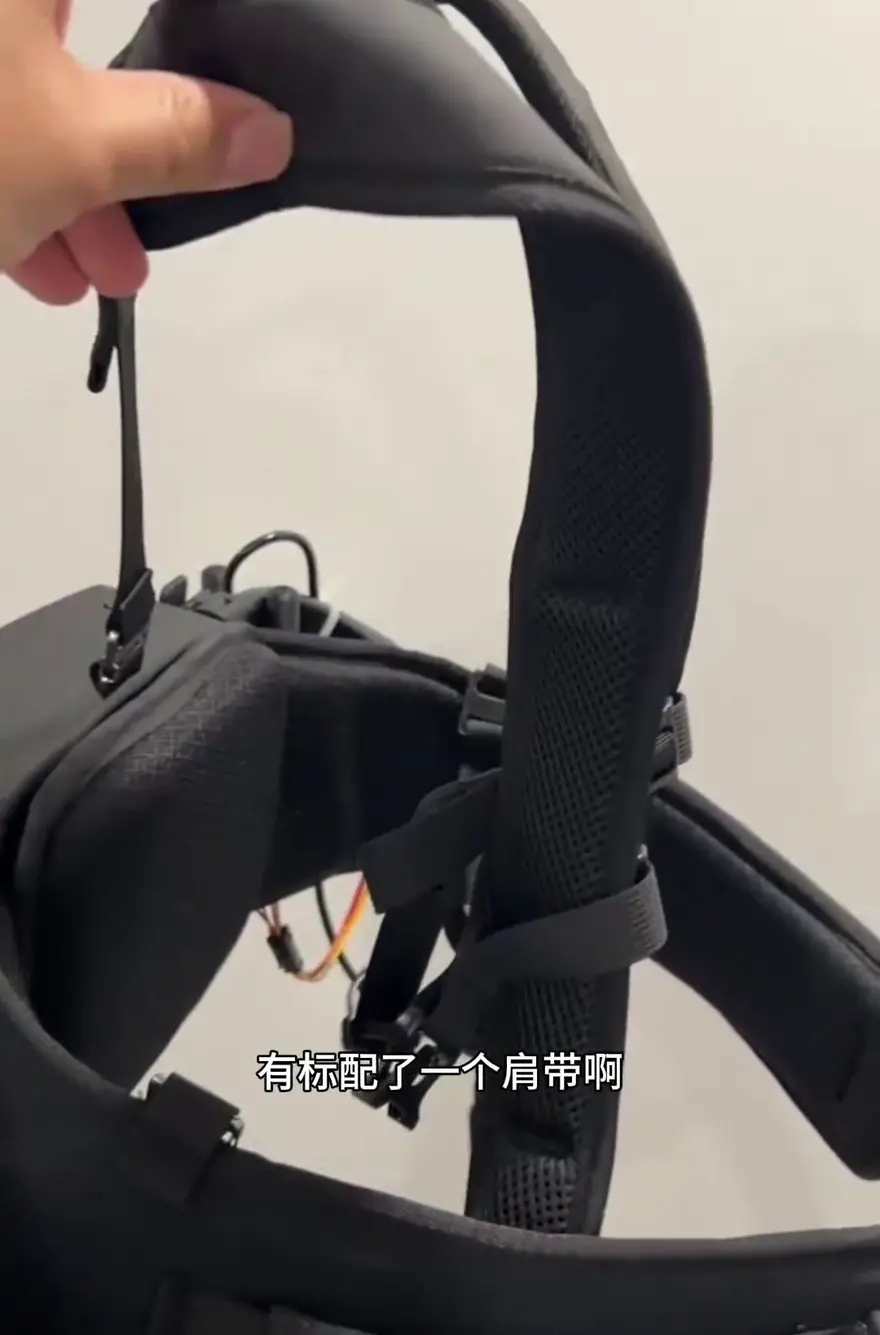
Shoulder Straps and Lumbar Fit: Ergonomic Considerations
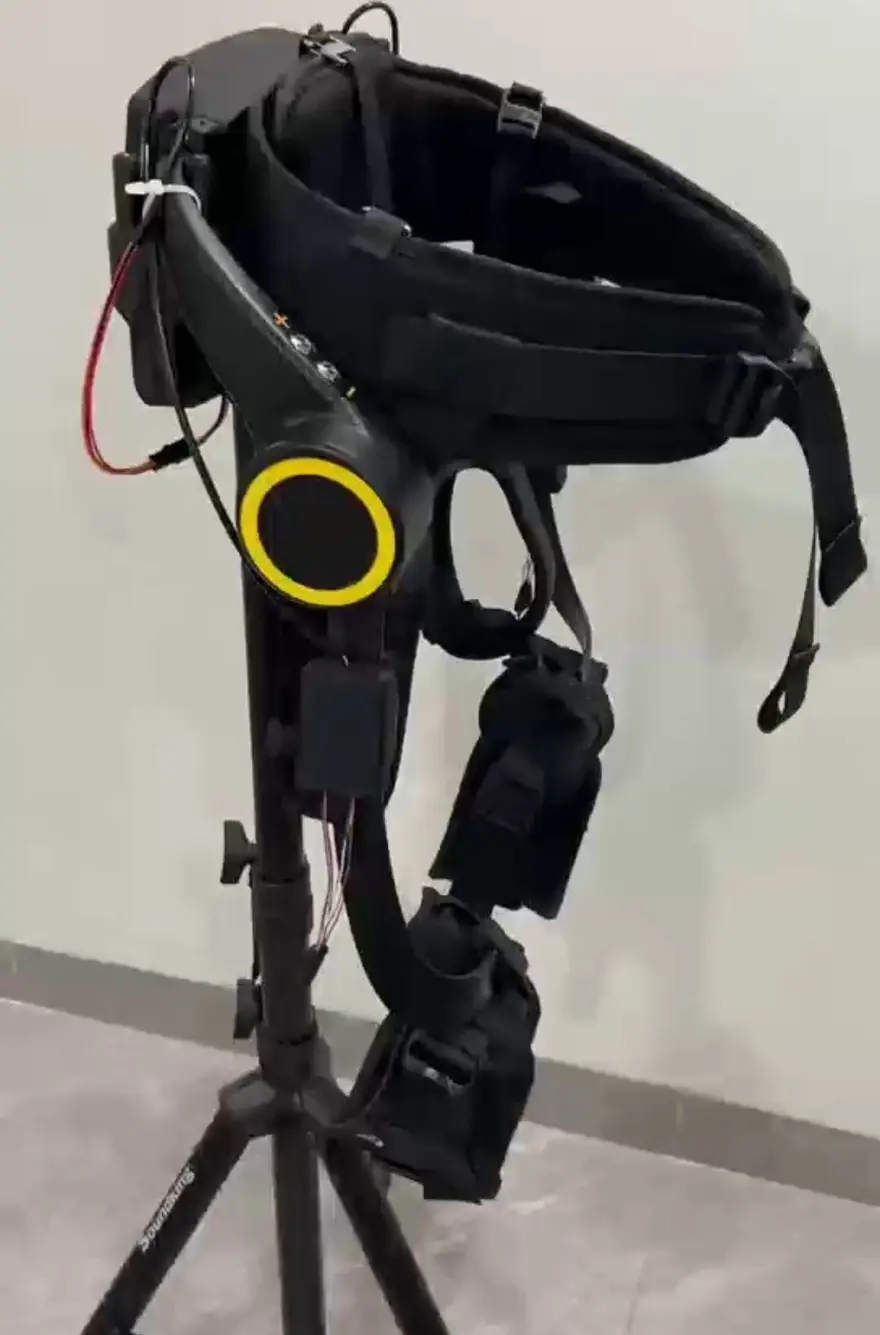
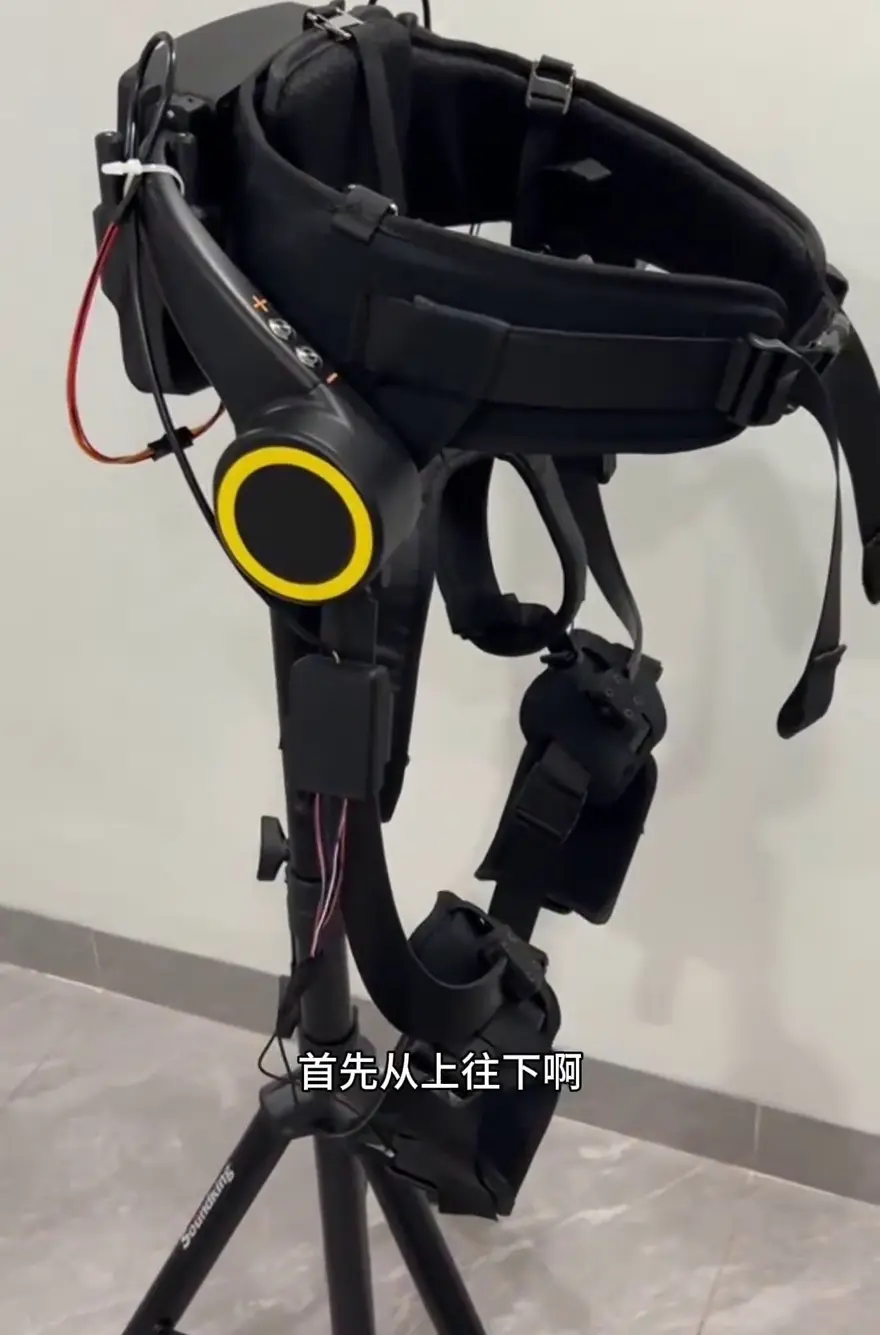
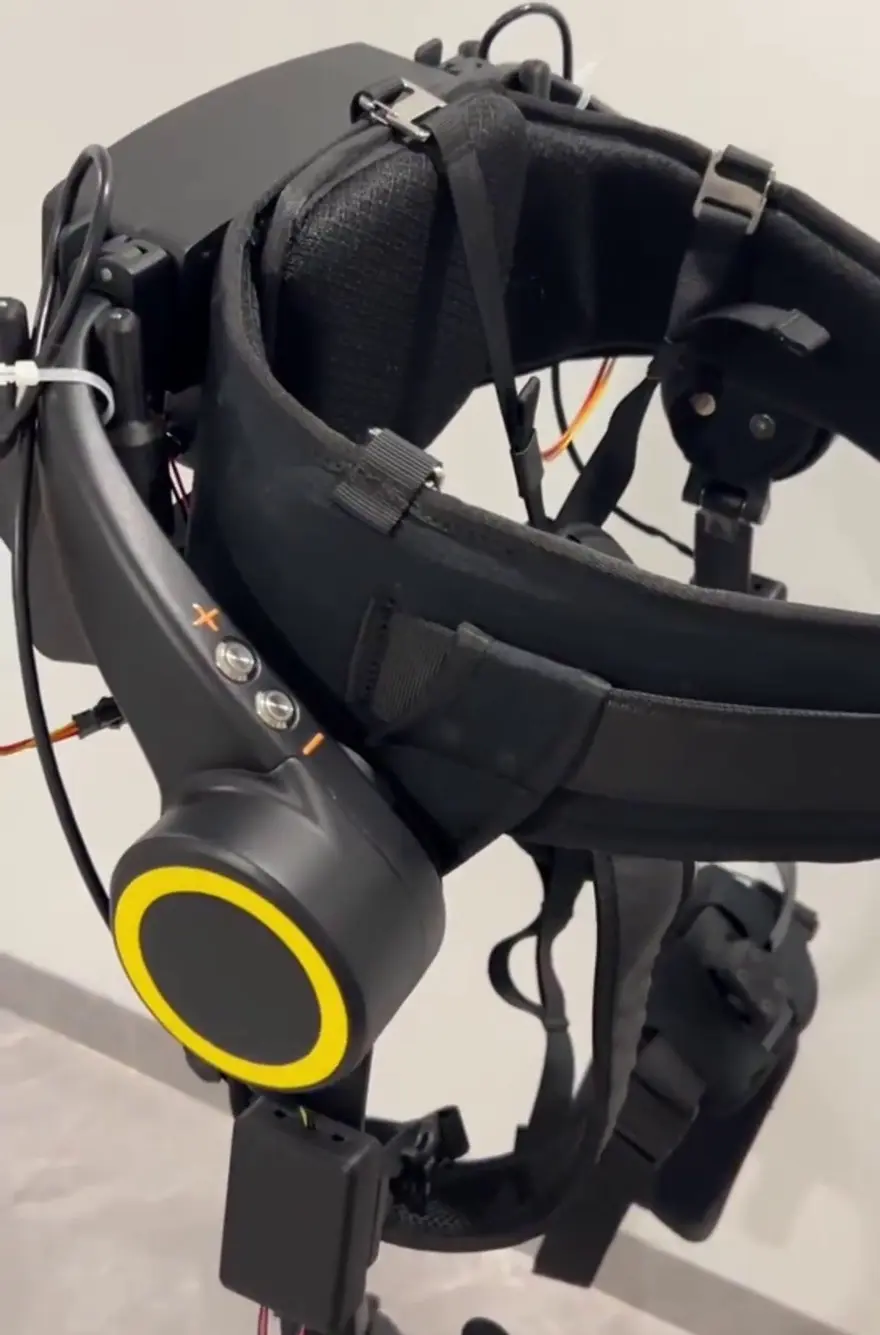
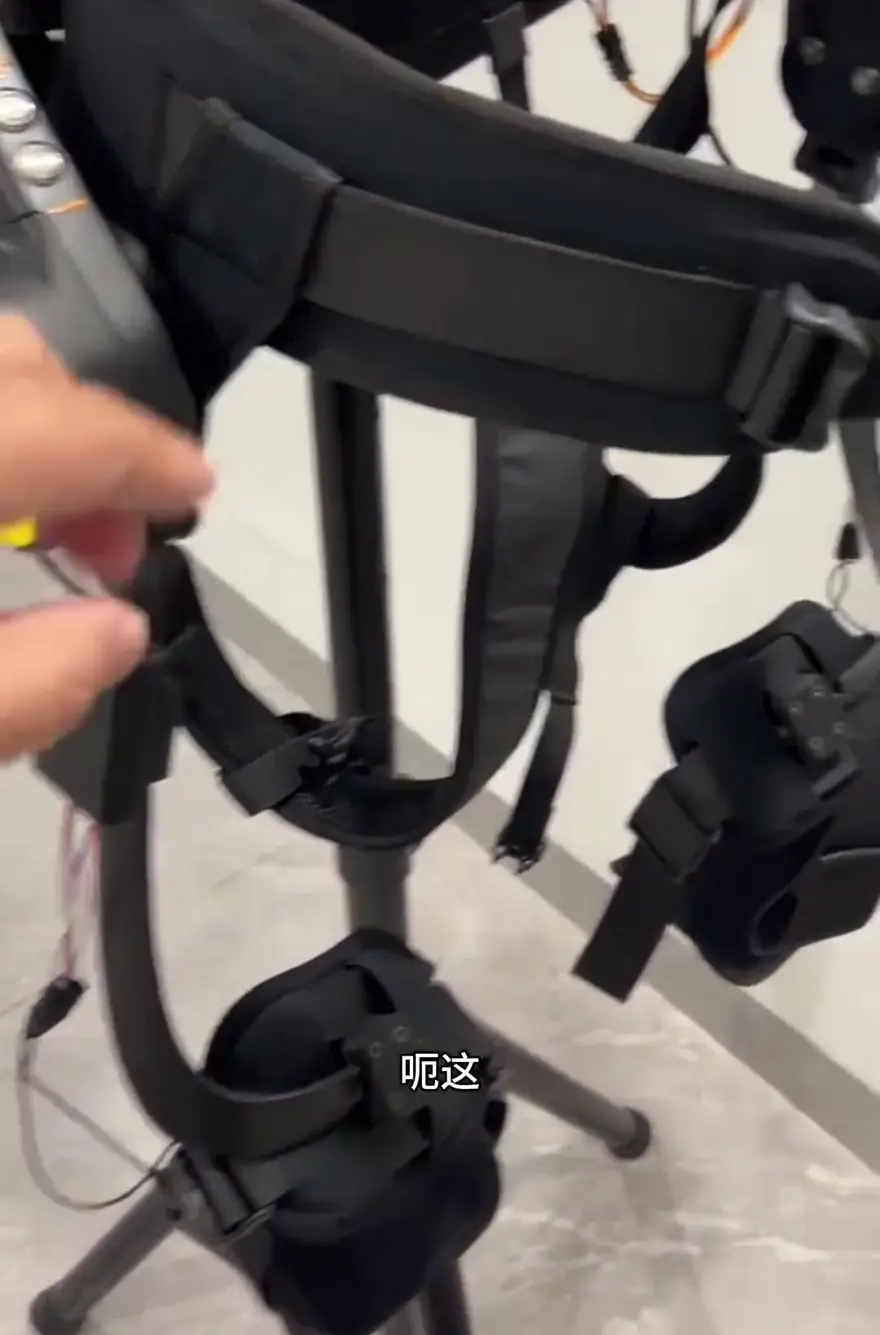
Shoulder Gravity Sharing: The standard upper shoulder straps are designed to channel a portion of the upper body's gravity to the shoulders, rather than concentrating the entire weight on the lumbar region. This is critical for extended wear; while traditional exoskeletons often cause user fatigue by placing the full weight on the waist, this shoulder strap design effectively mitigates this issue.
The video mentions: Shoulder straps share a portion of the body's gravity and reduce pressure on the waist — this is a decisive experience difference in long-duration wear scenarios.
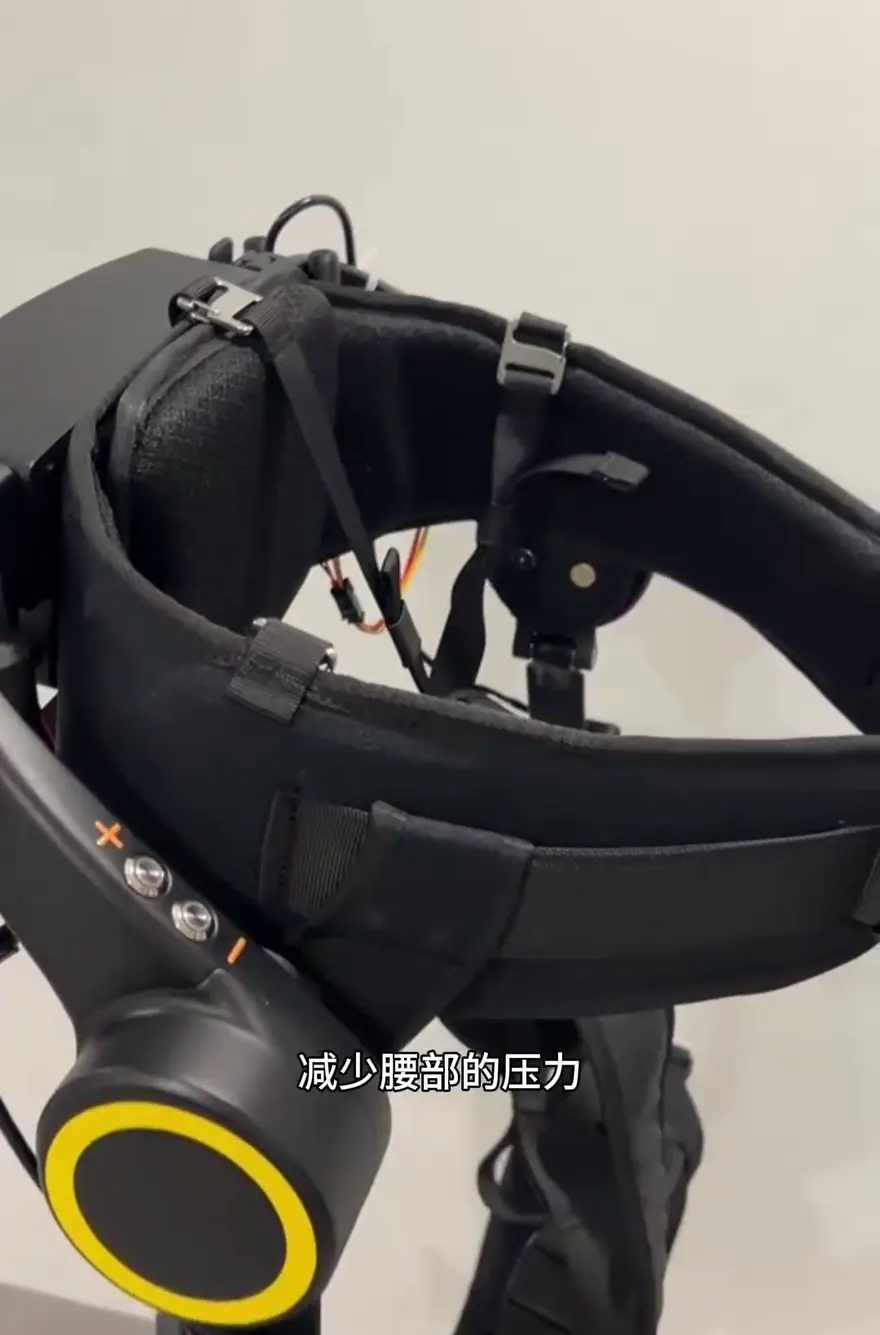
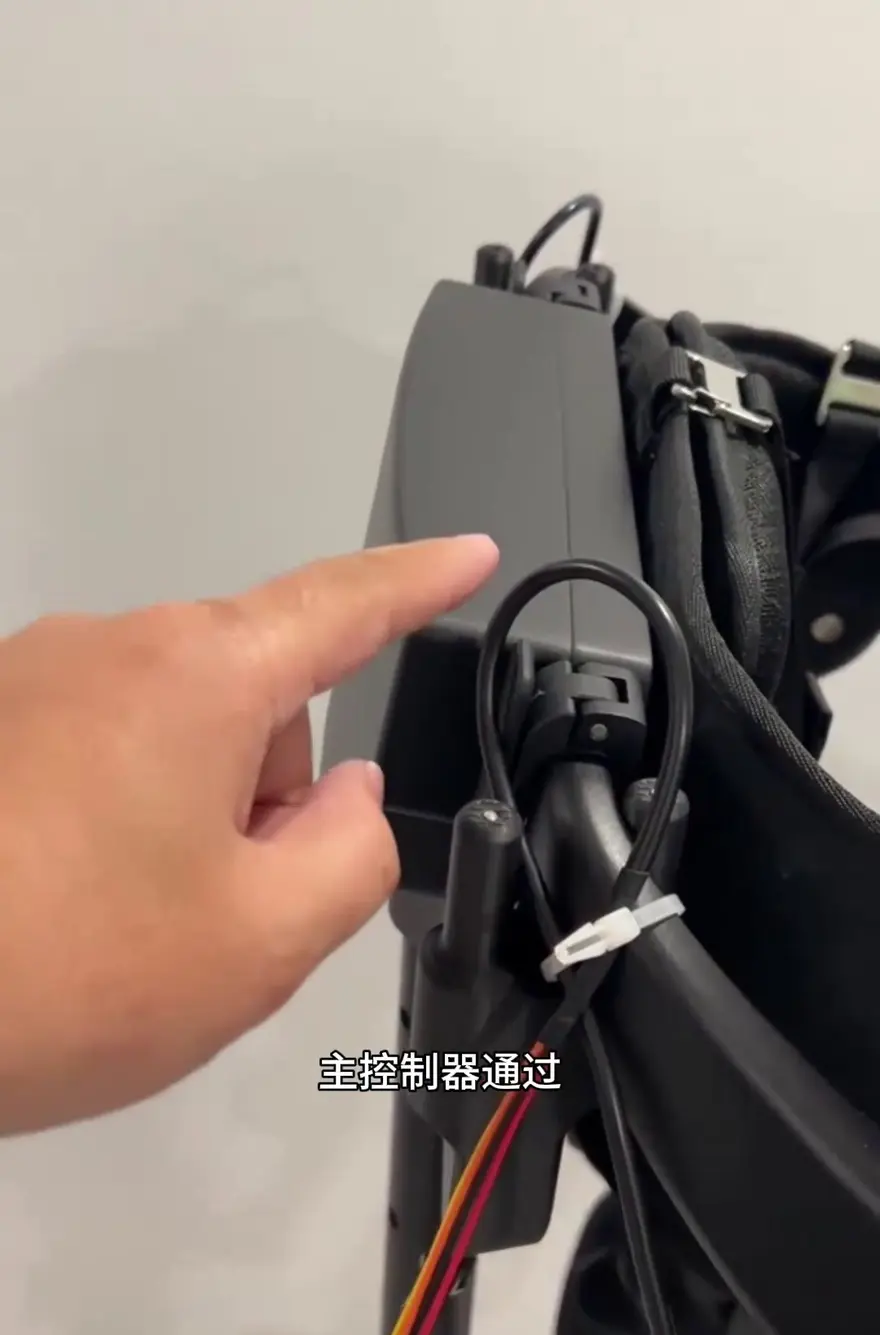
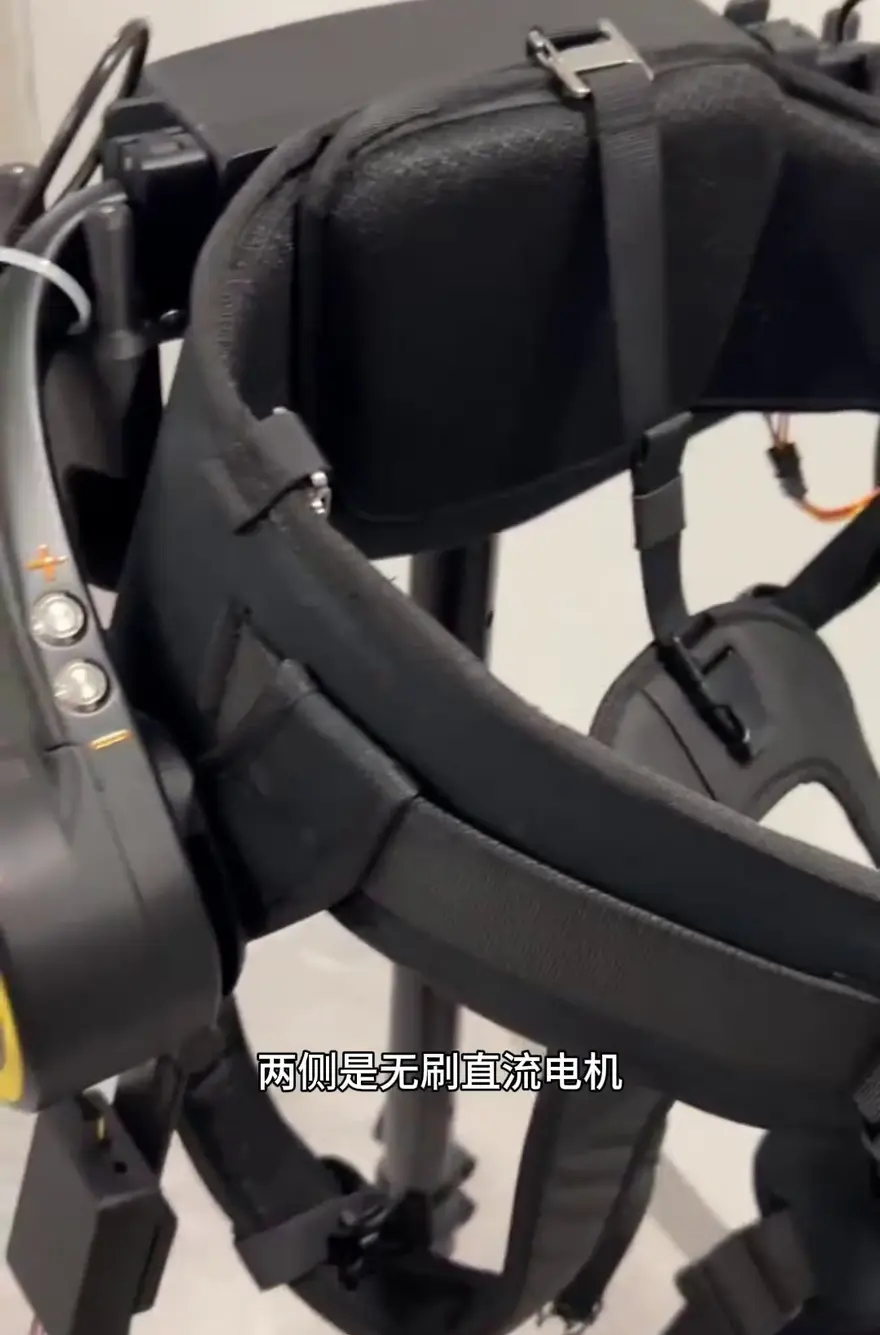
Main Control Box and Power Unit
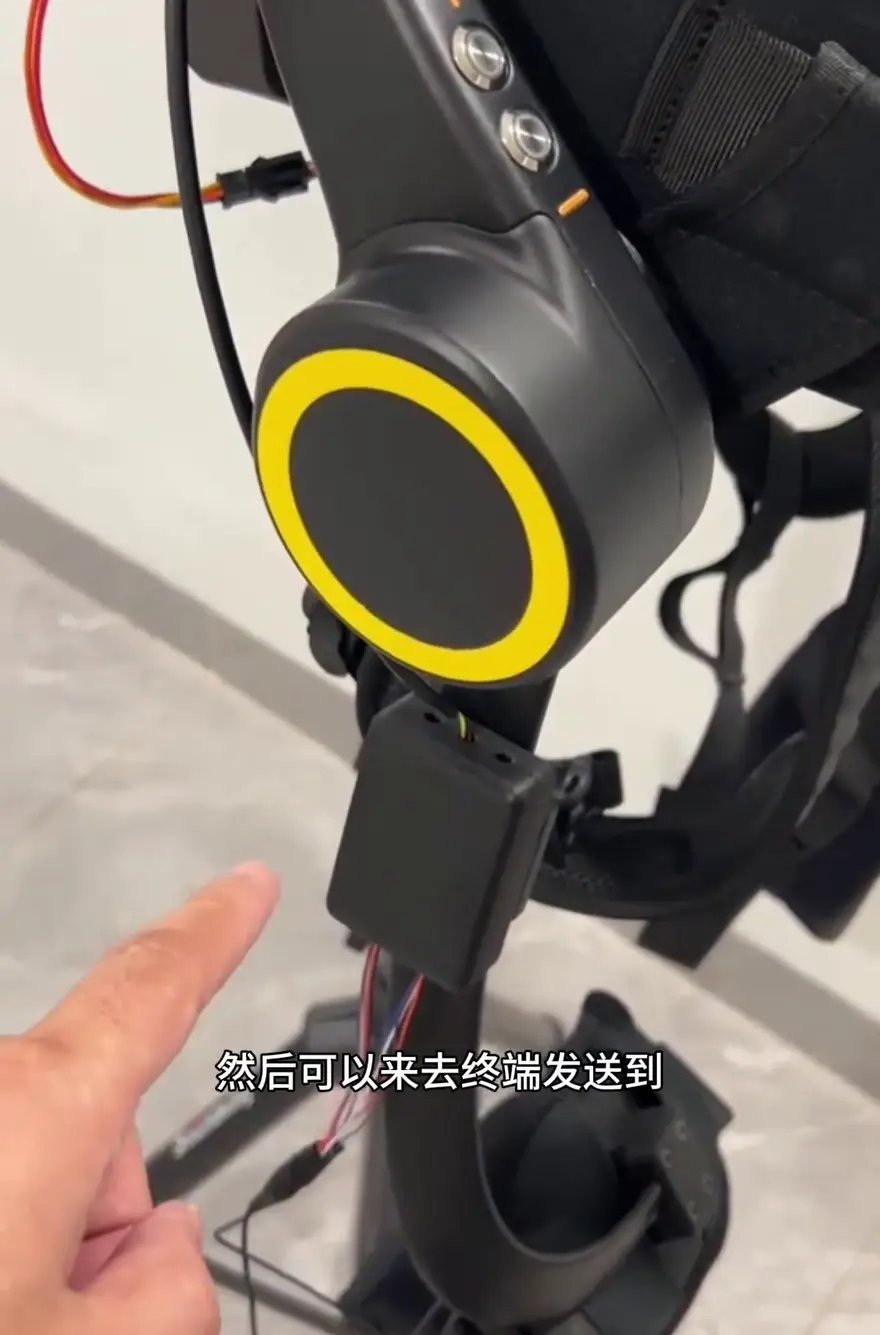
The main control box serves as the intelligent hub of the entire system: it houses the main controller, connects to the bilateral power units via a bus, and is driven by brushless DC motors. Additionally, the main control box integrates various sensors to provide comprehensive real-time data support for the system.
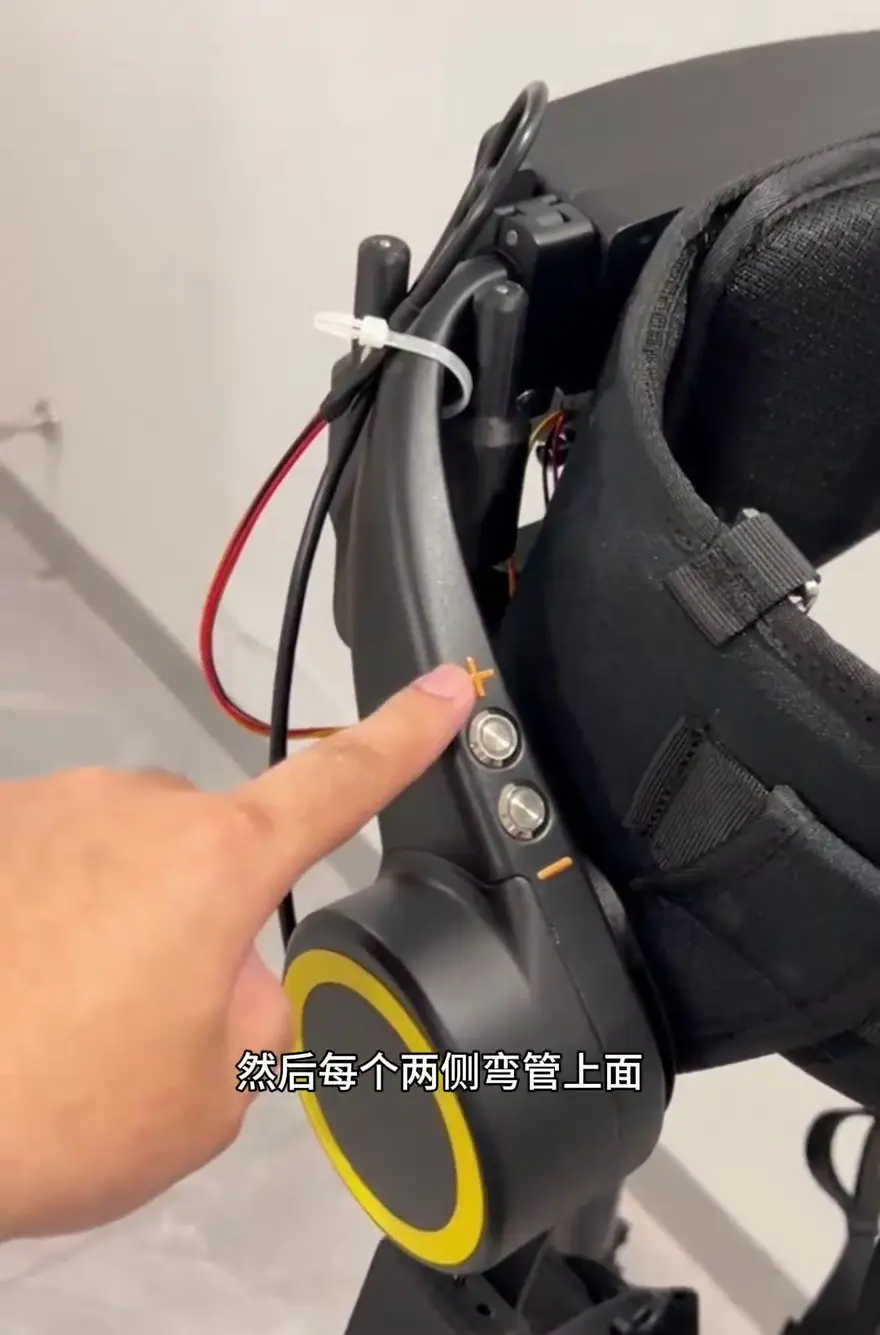
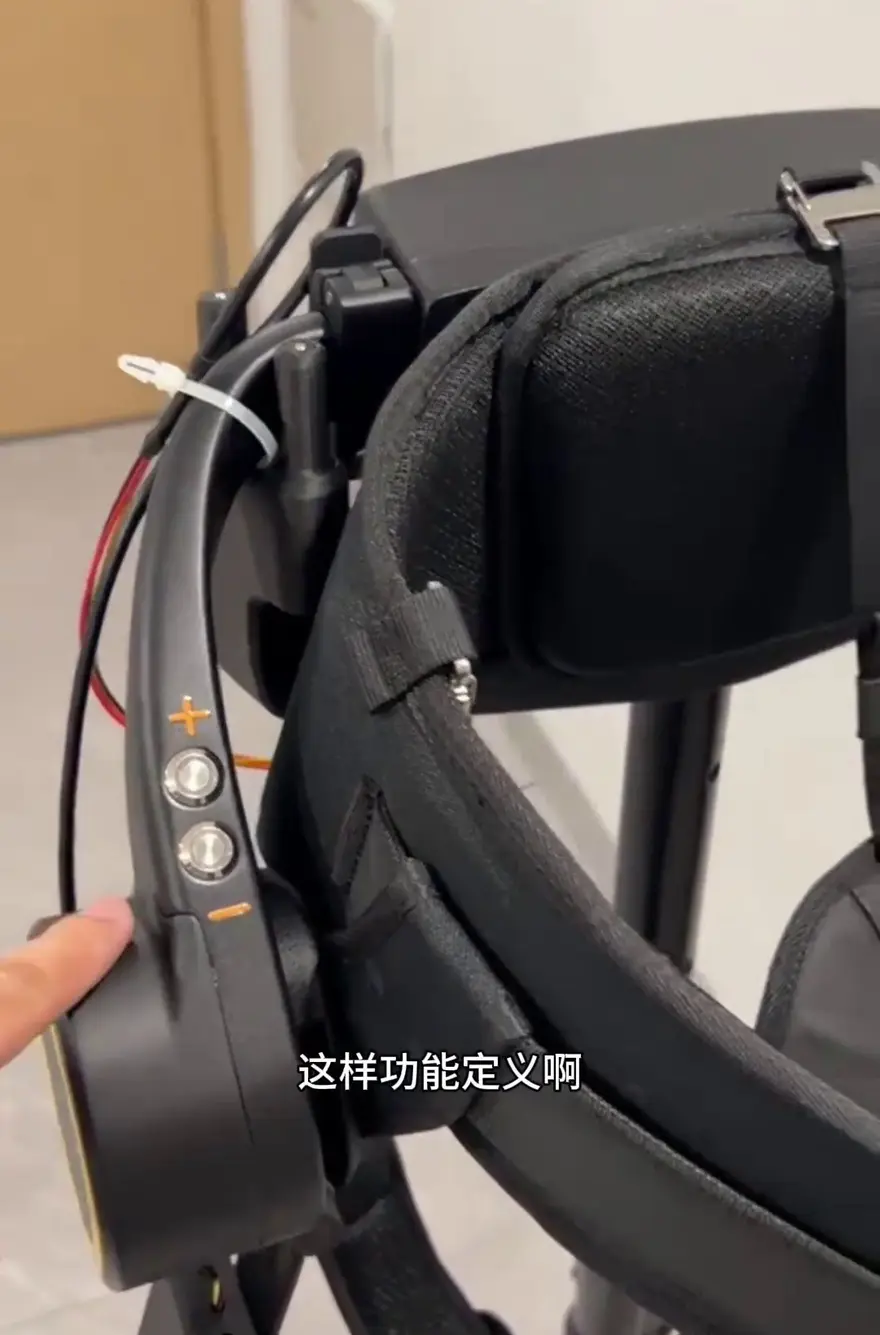
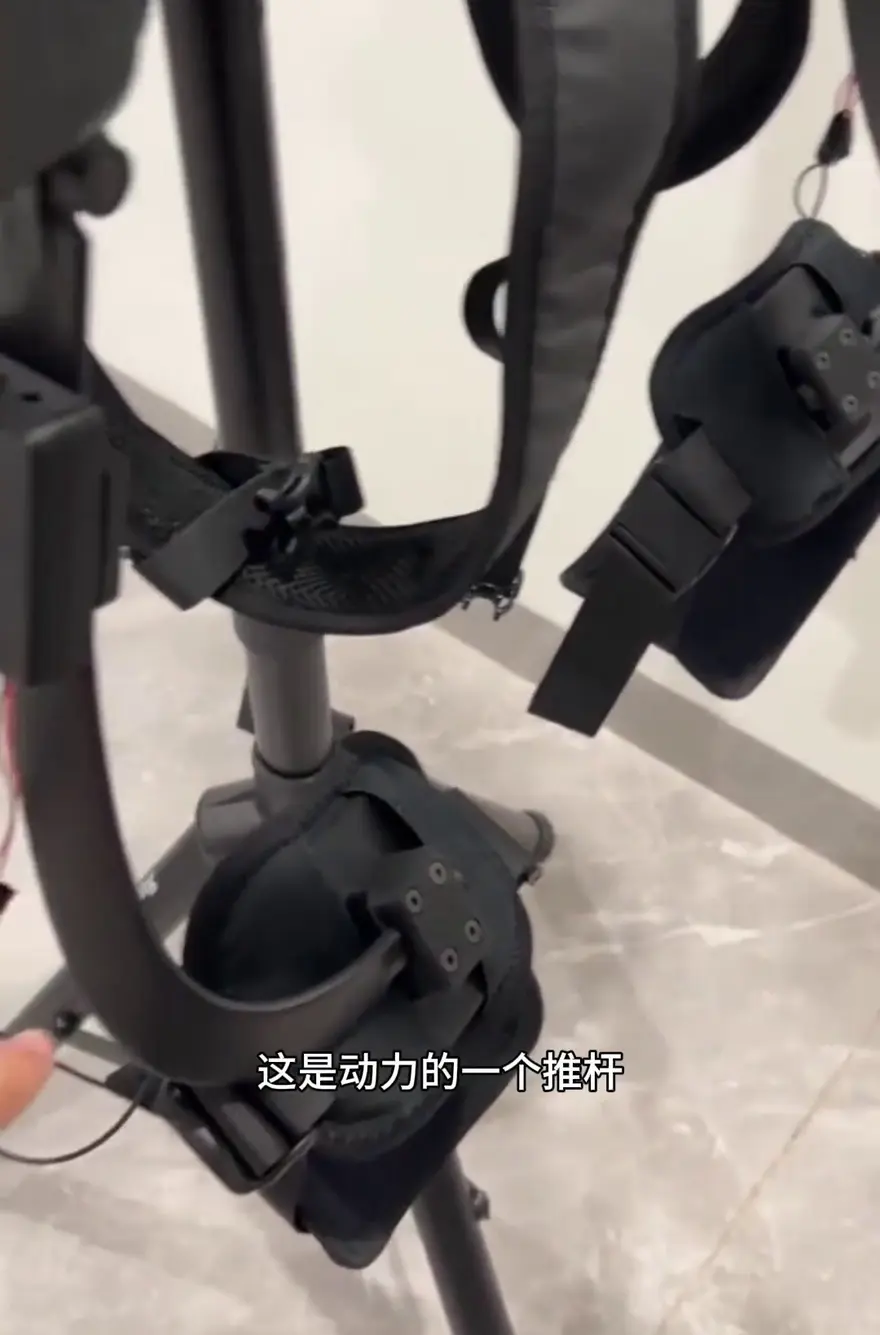
Thigh Strap Assembly & Power Push-rod Unit
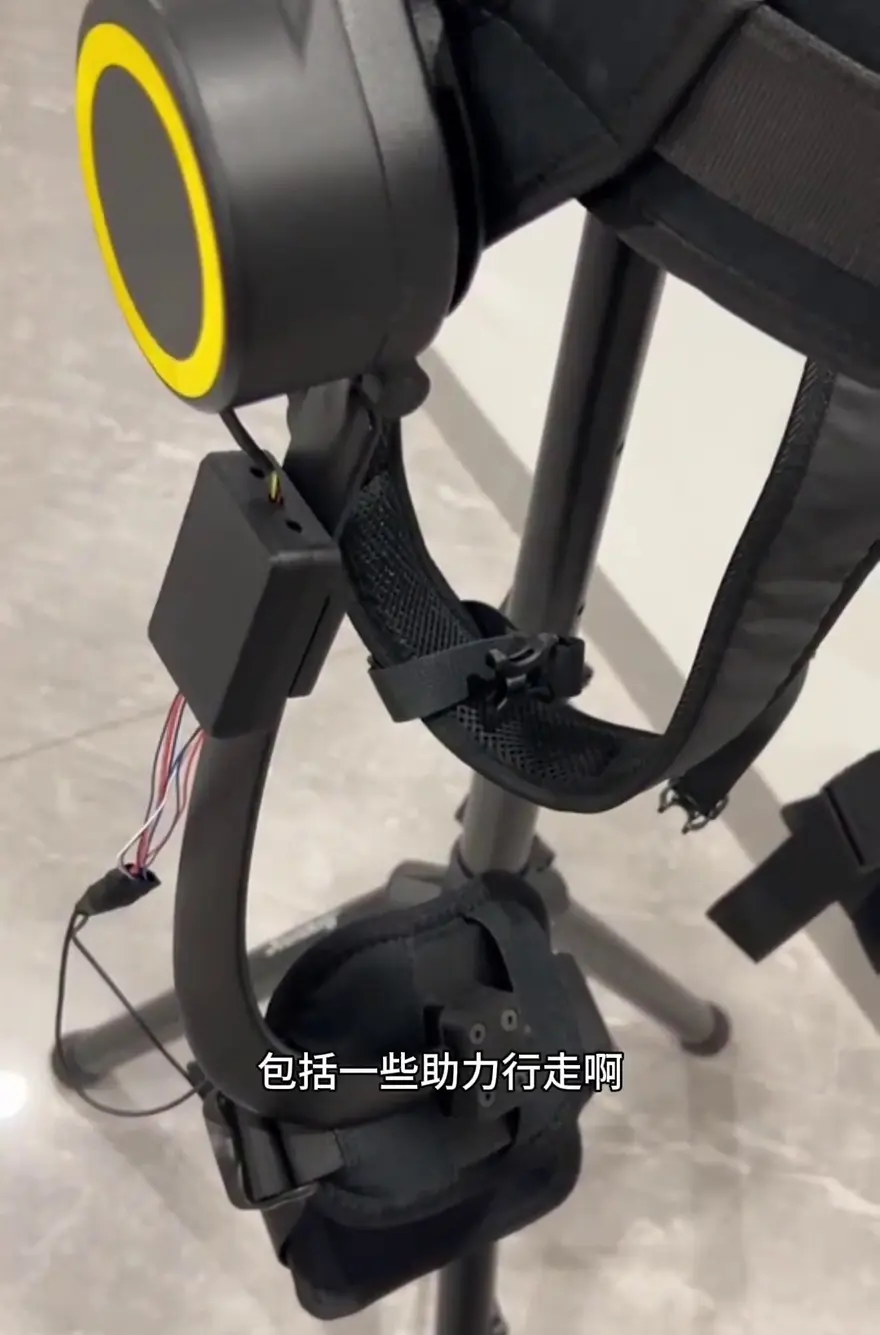
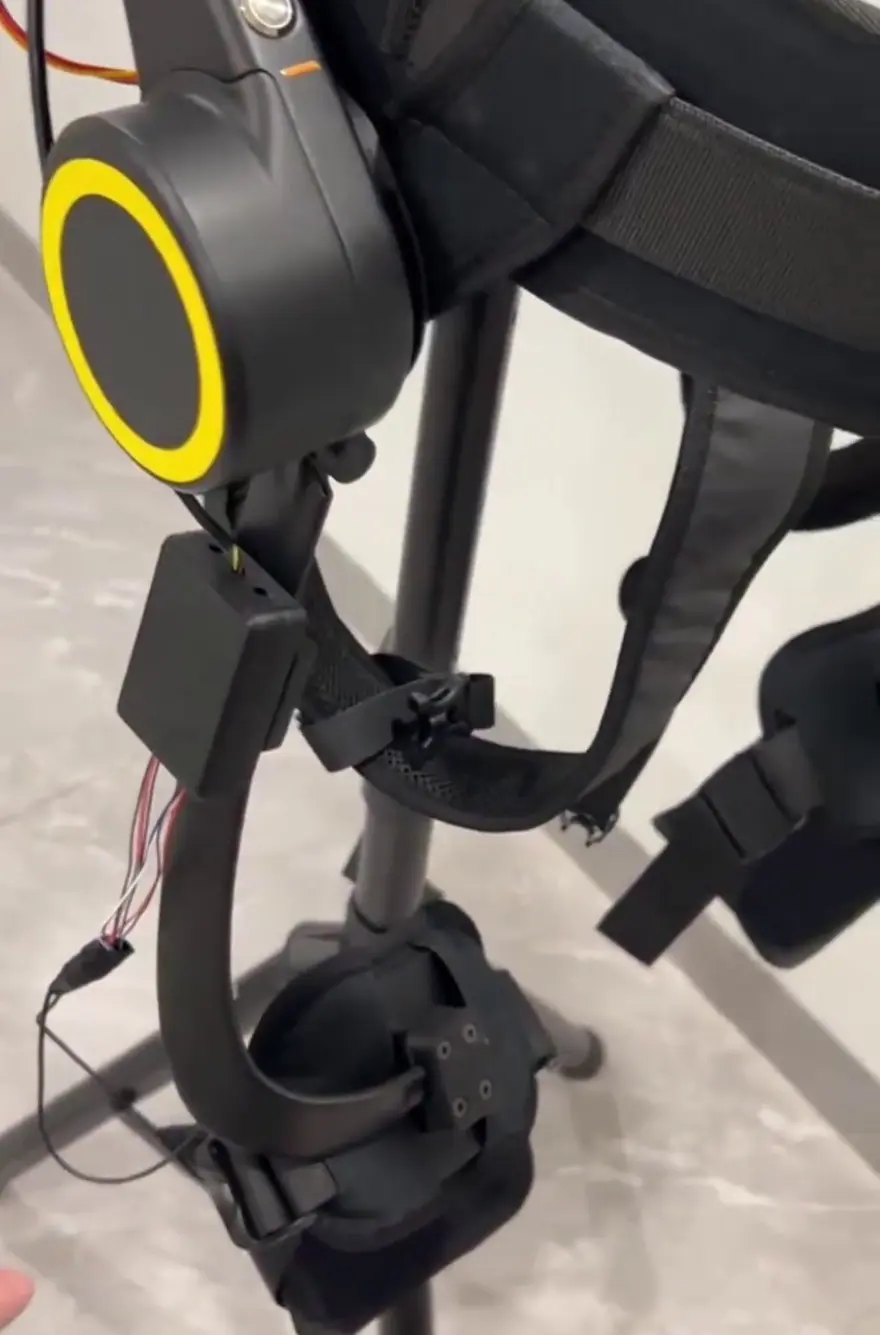
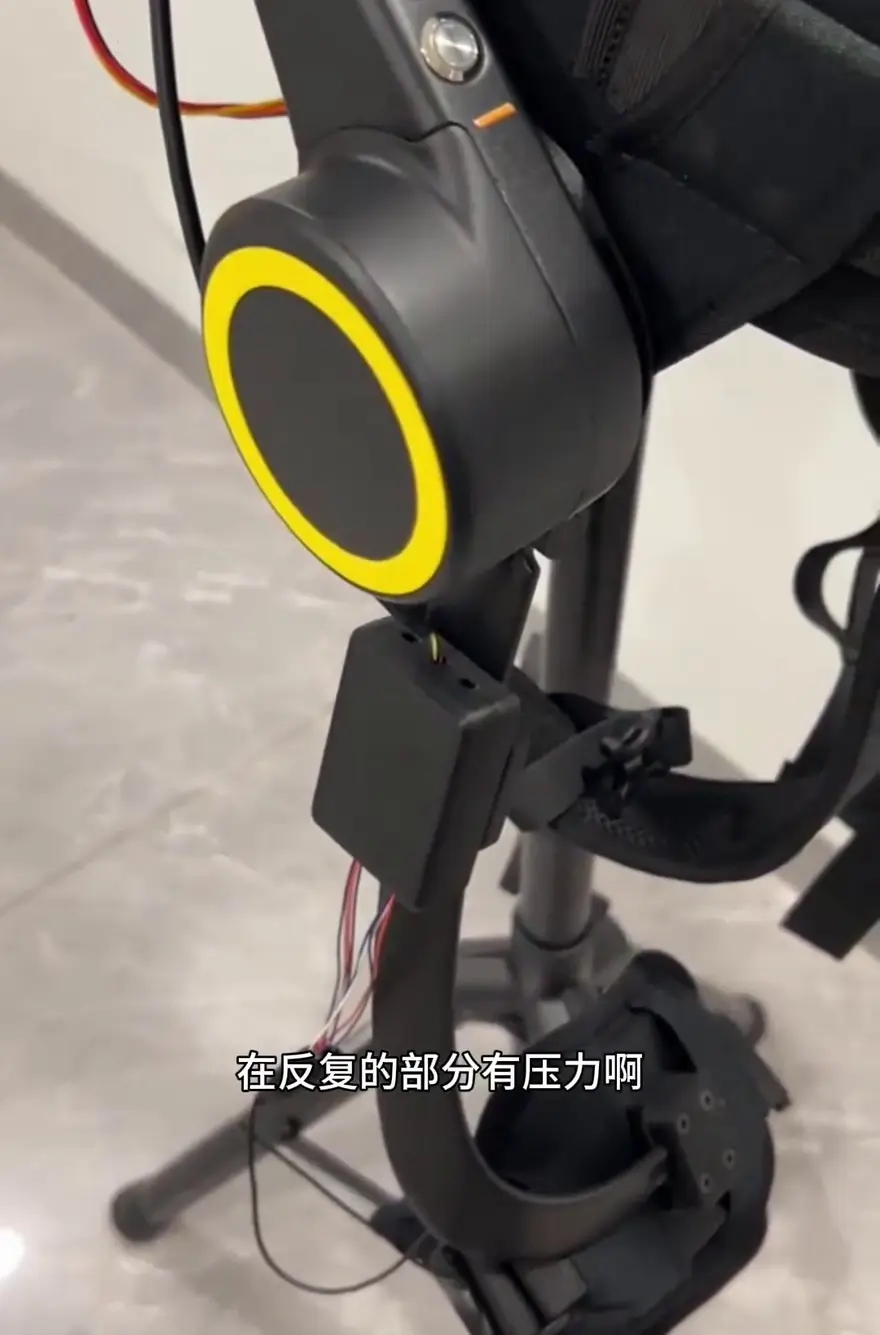
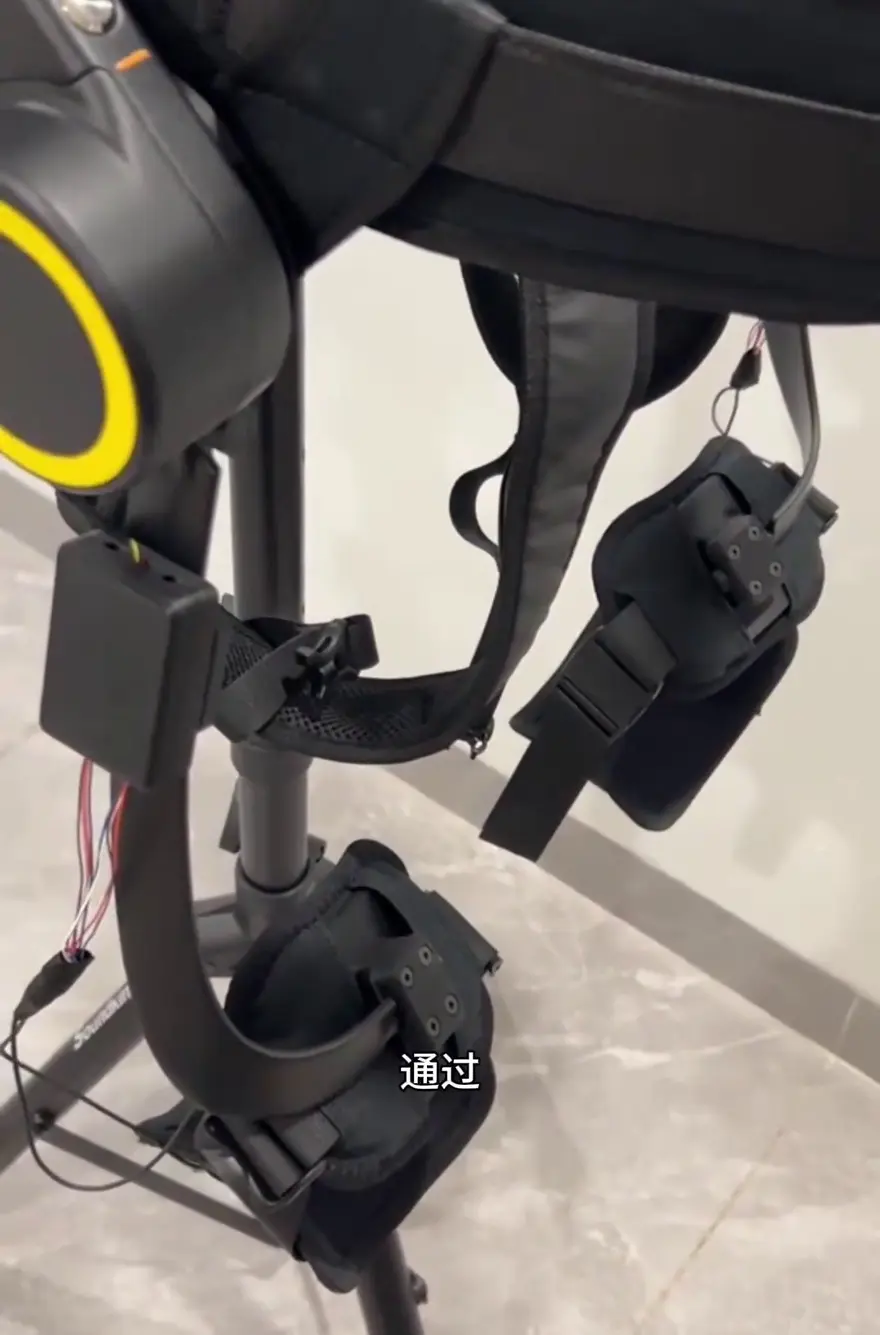
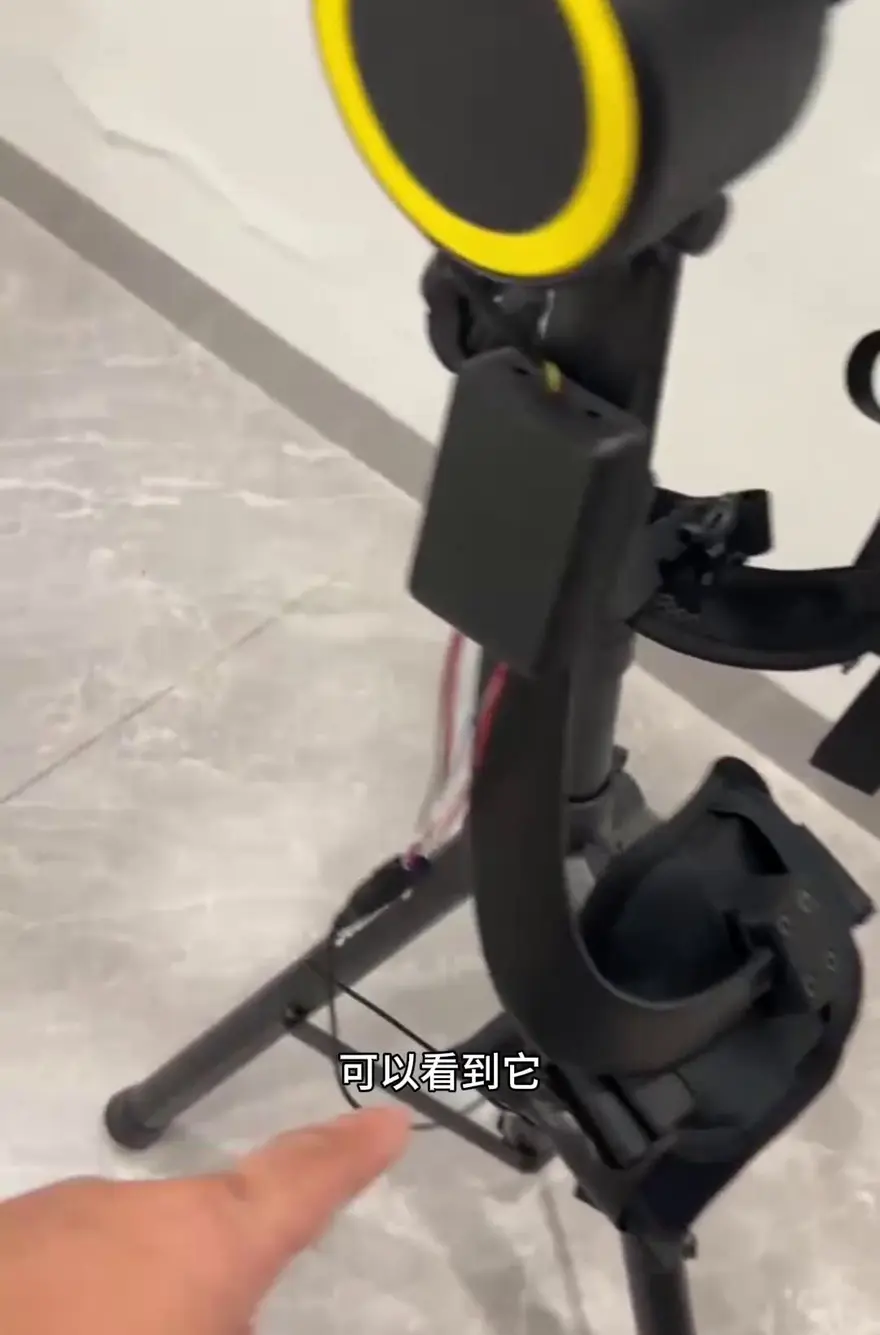
Thigh Strap Assembly: Secured via straps around the user’s thigh, it delivers the assistive force output of the power push-rod, covering core scenarios such as walking and load carrying. Integrated with the thigh bionic structure, the power push-rod provides effective supplemental thrust during level-ground walking and uphill climbs.
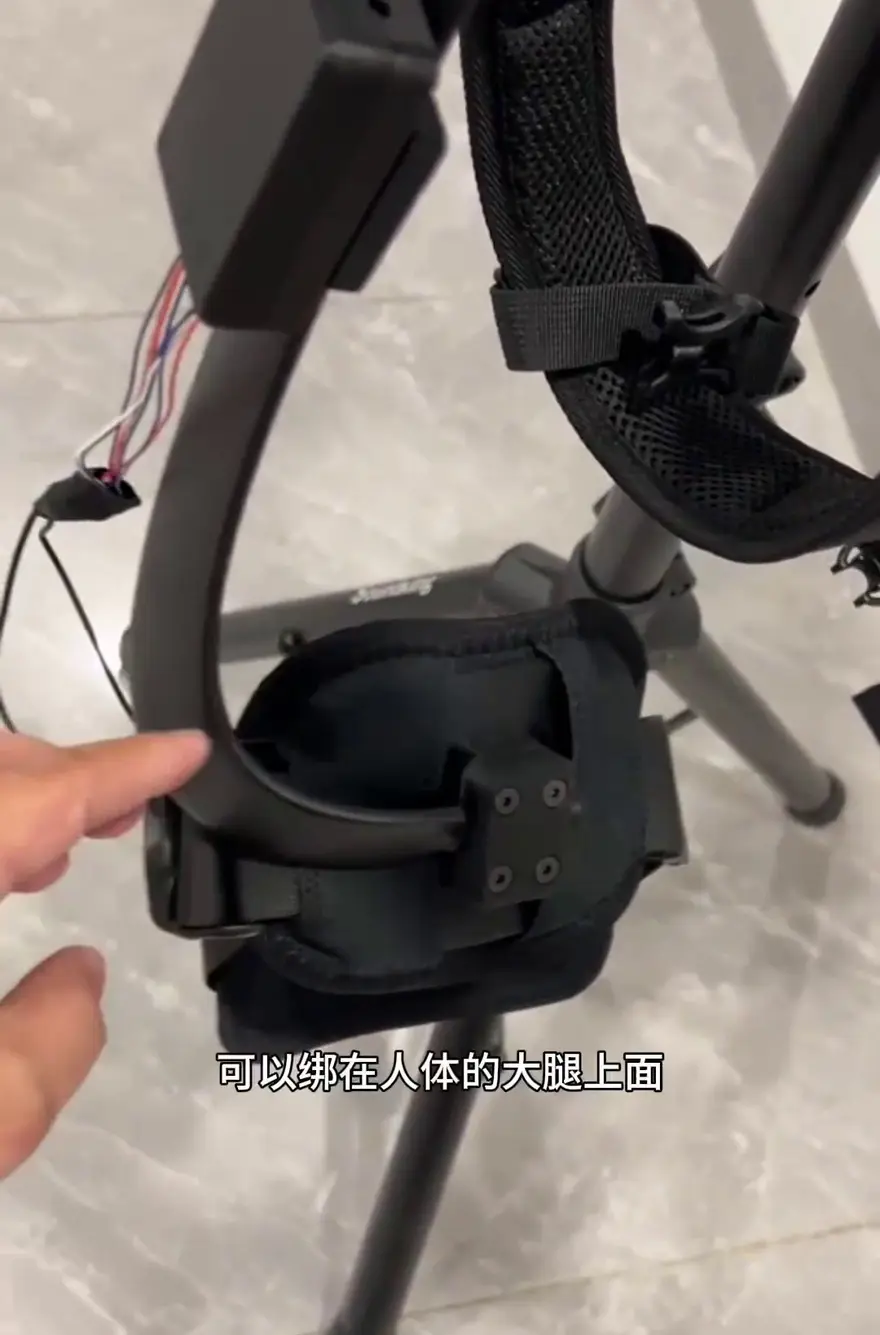
Sensor System and Control Closed Loop
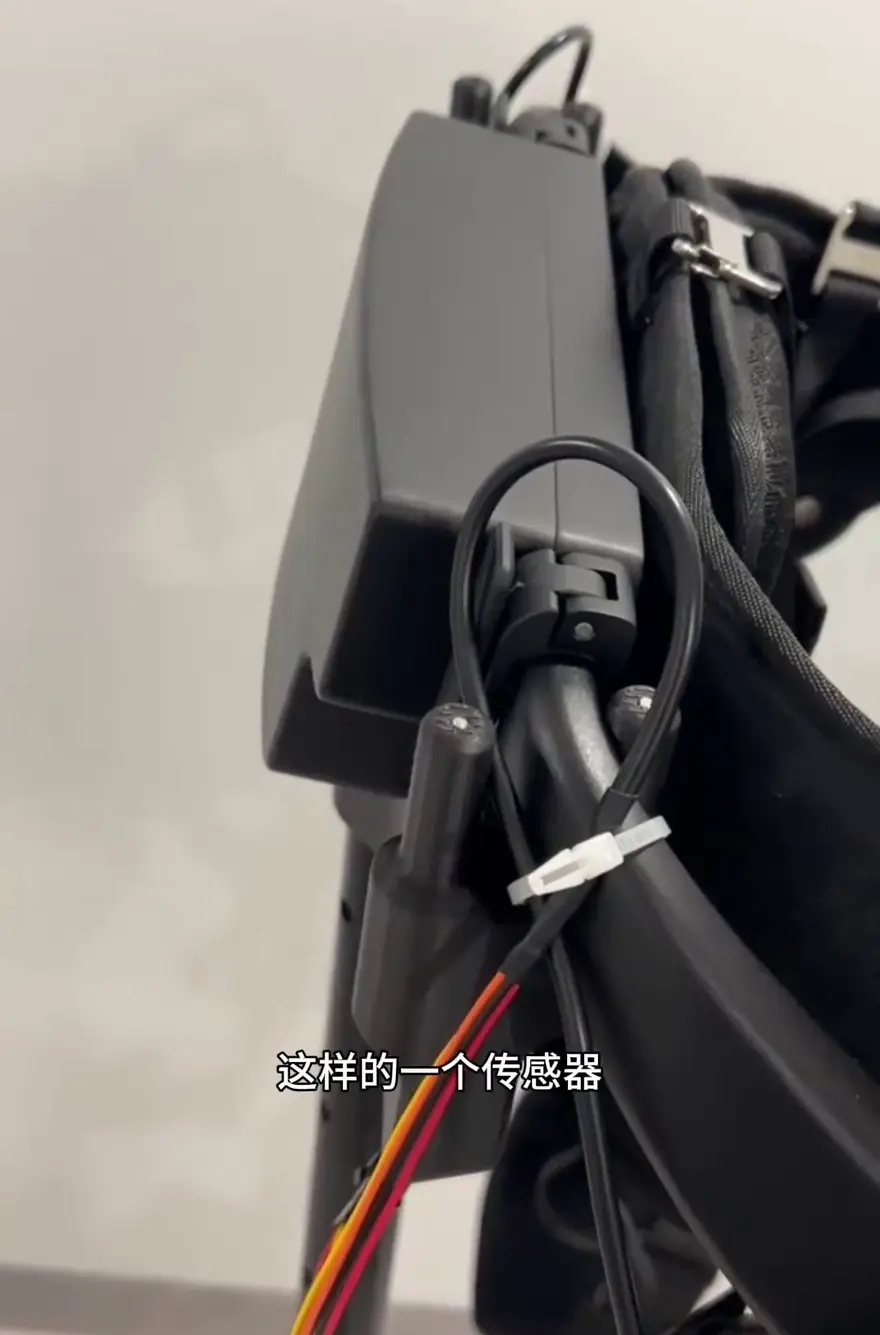
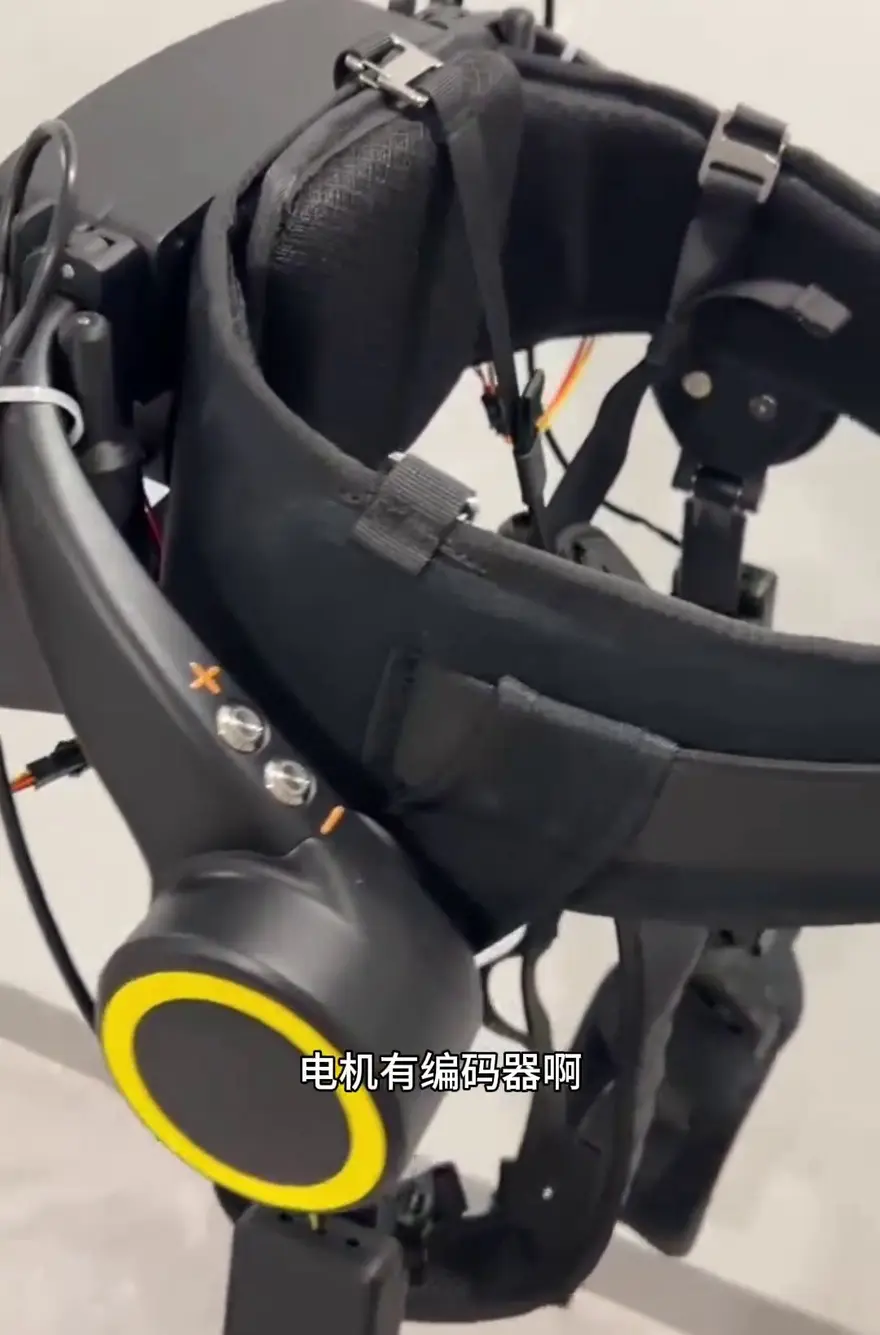
The sensor system is the smartest part of the entire system: The main control box on the back integrates an Inertial Measurement Unit (IMU) to sense body posture and movement state; in addition, encoders are equipped at the motors on both sides. The dual-sided encoders provide feedback on angle and speed information, forming a complete closed loop.
Encoders and Force Control Signals
Pressure Acquisition: Pressure sensors mounted on the straps detect the interaction forces between the human body and the device. This data is then transmitted back to the main control unit via a signal acquisition board and a bus. The most intelligent aspect of this system is that it does not rigidly output force along a predetermined trajectory—instead, it continuously adjusts based on your actual load conditions.
Power Management and Power-On Procedure
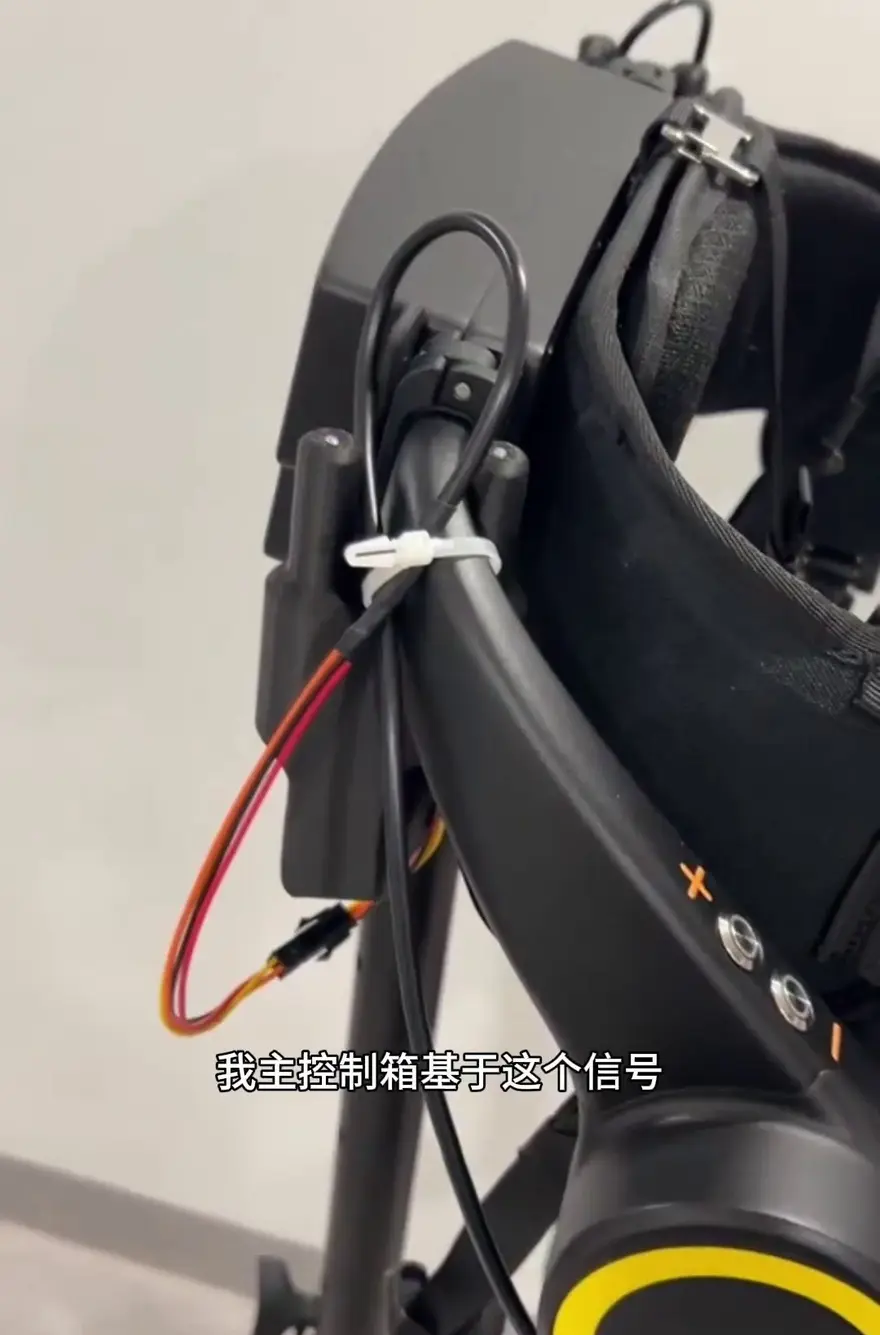
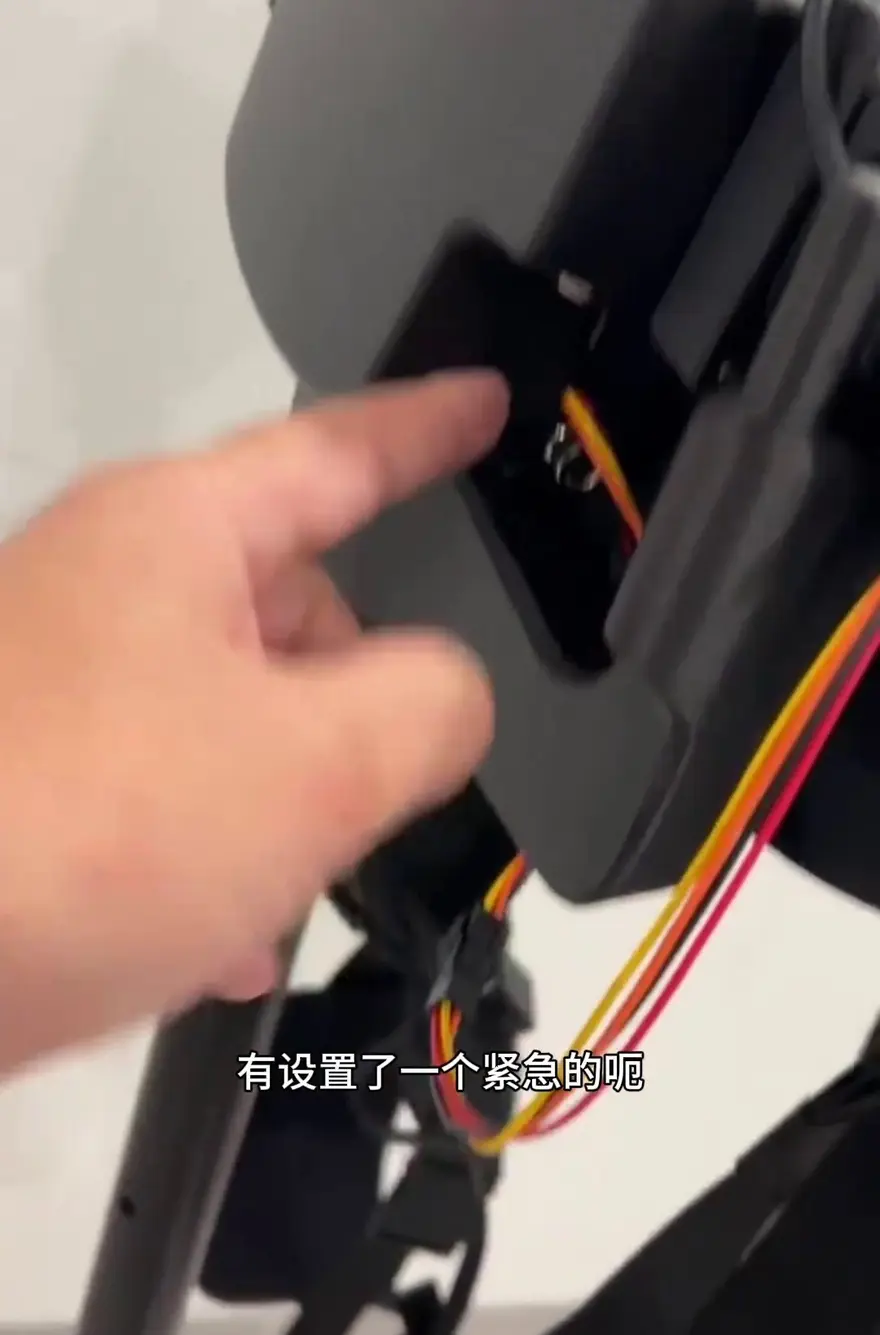
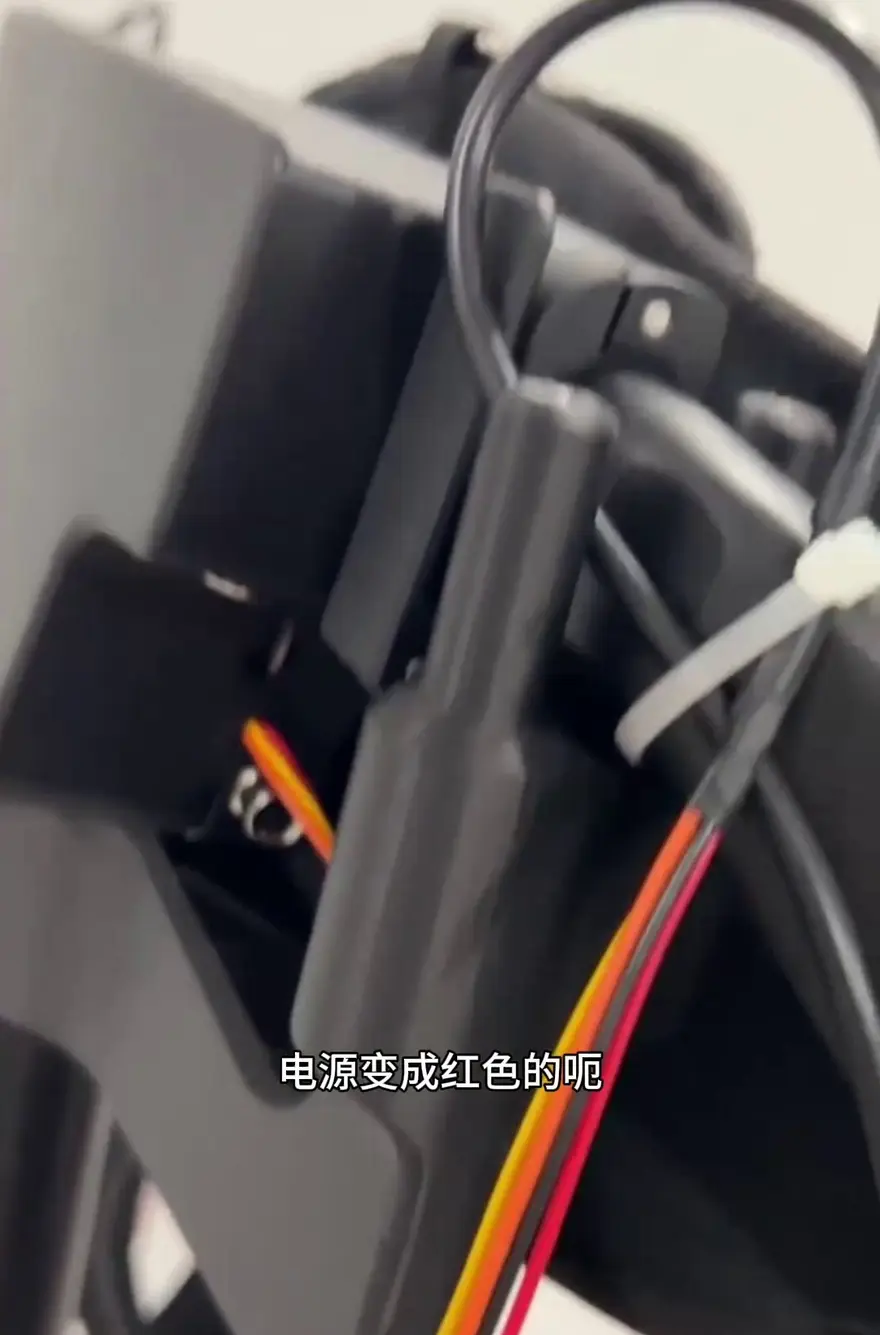
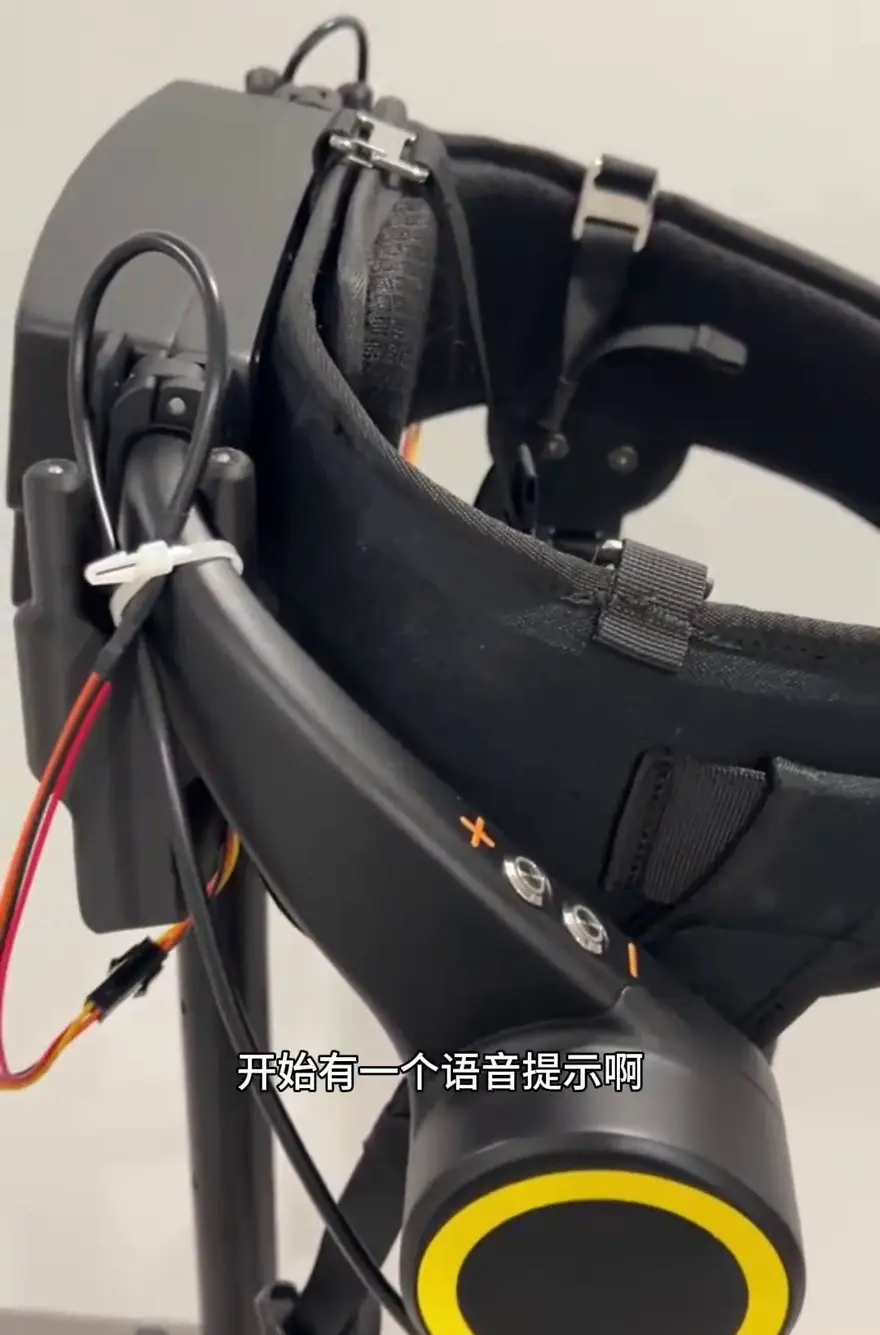
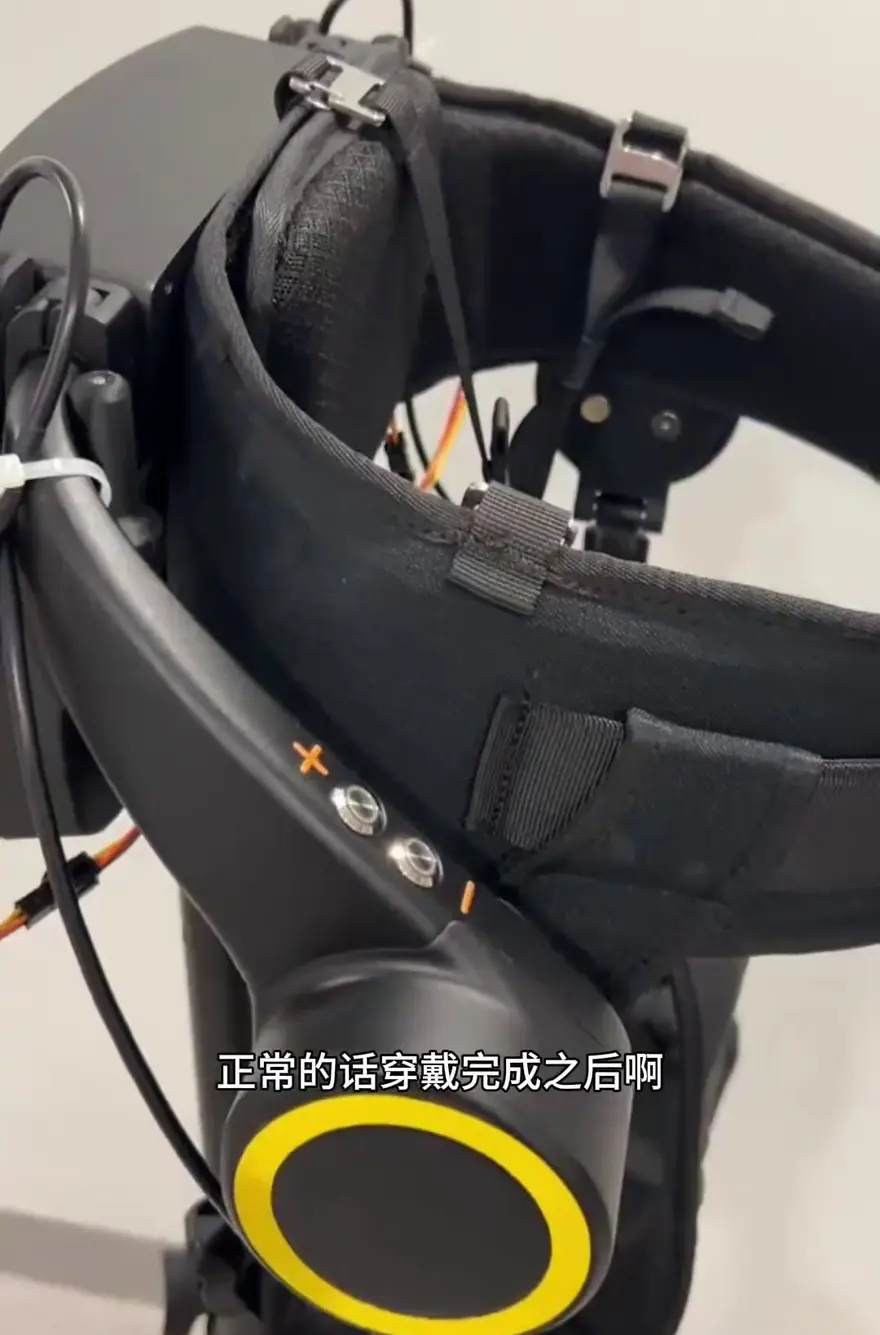
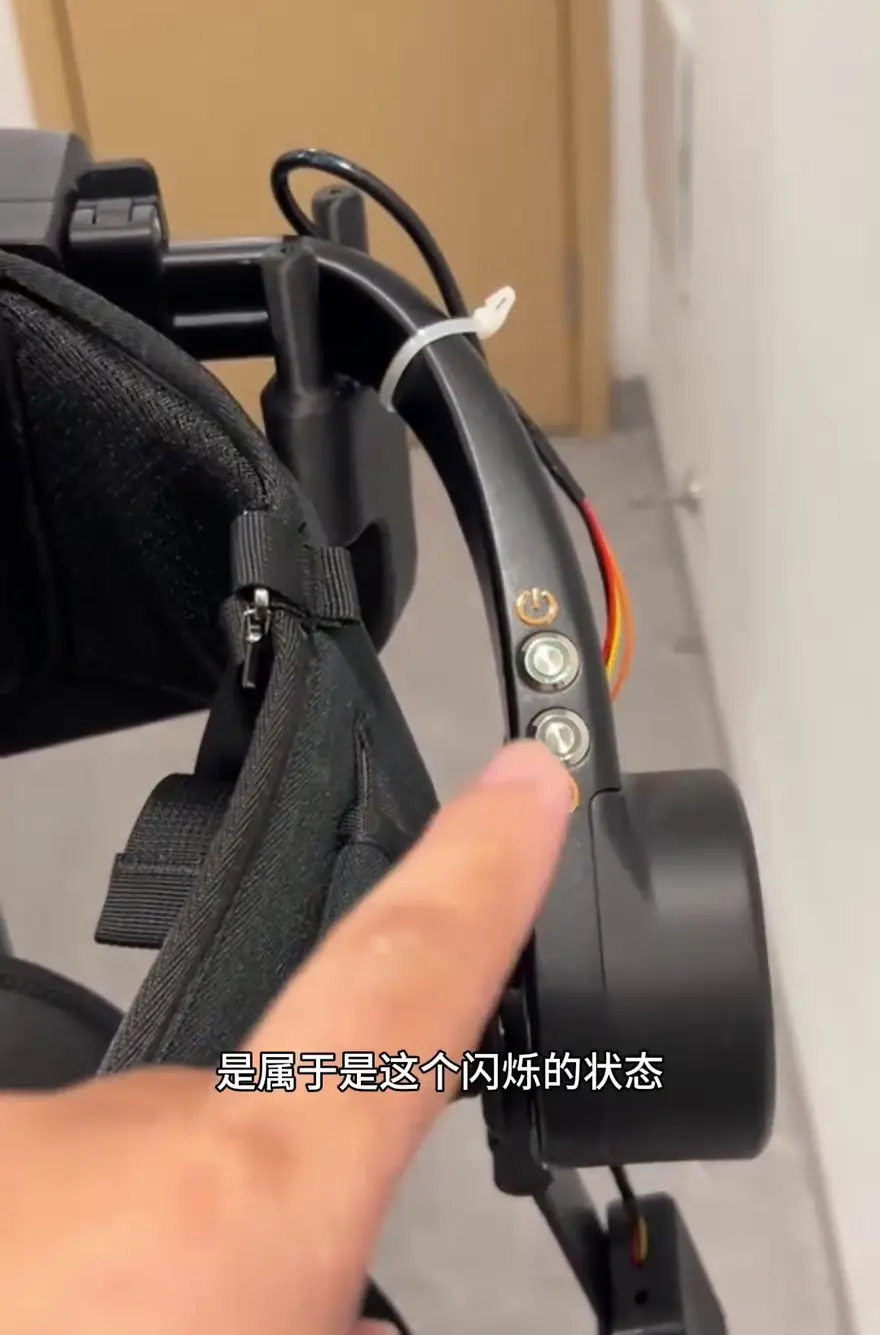
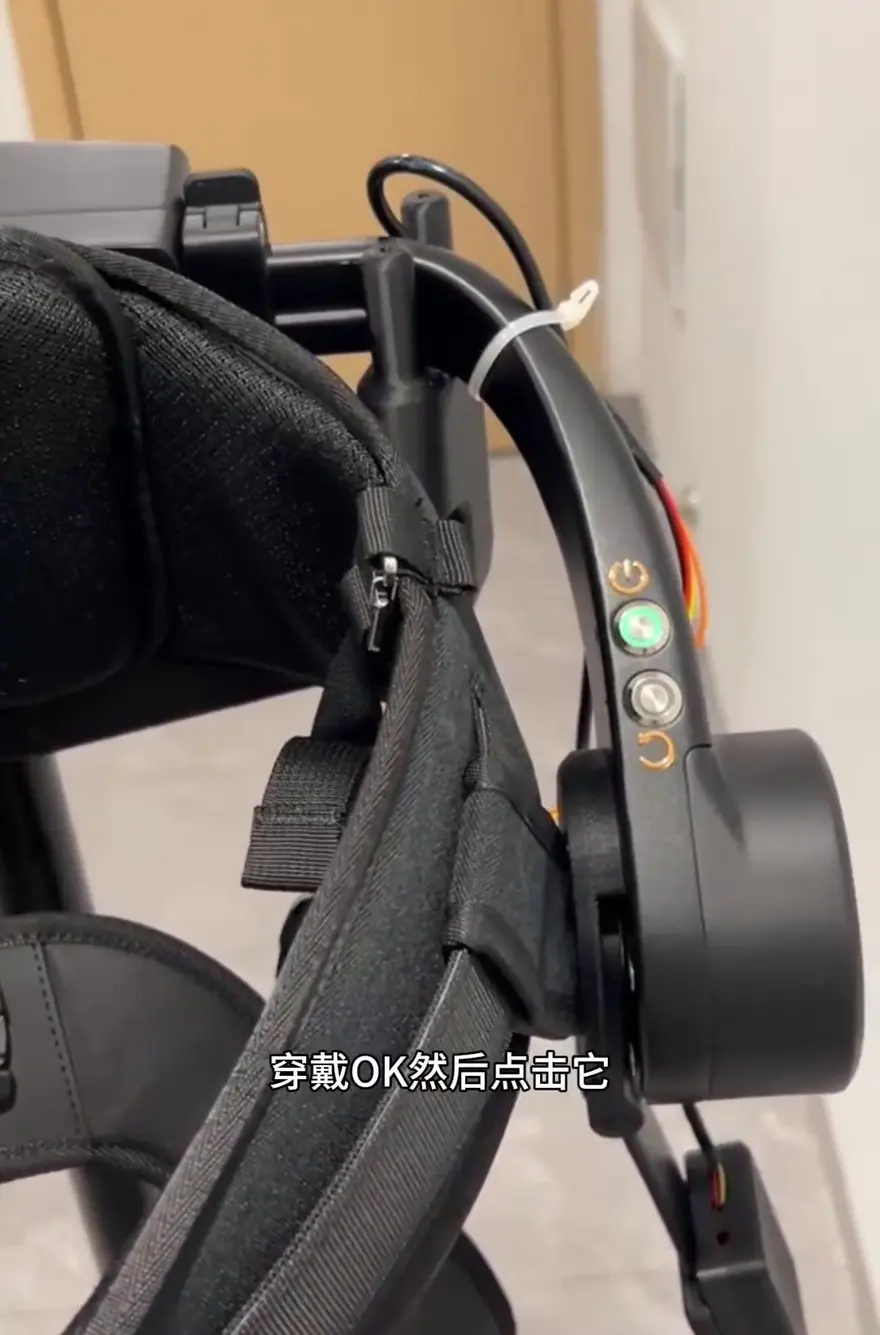
Safety and Interaction Experience: On the side, you’ll find the power and emergency stop buttons. Pressing them turns the power indicator red, indicating the device has entered a powered standby state. At this point, pressing the function key activates the assist, and the system provides voice prompts to confirm the current operation status. This interaction design greatly improves the exoskeleton’s ease of use.
Button Customization & Mode Switching
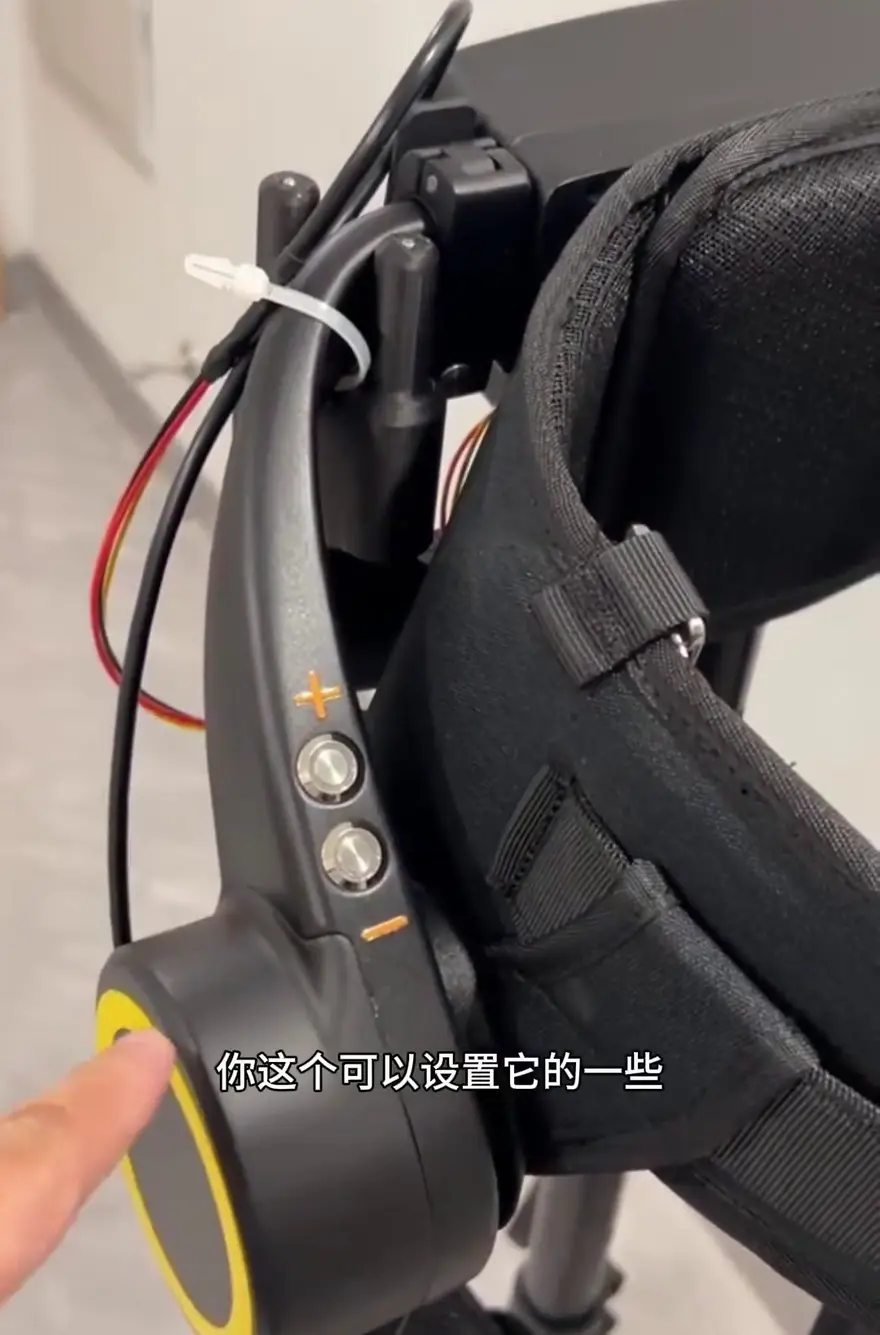
Button Customization: The buttons on both sides of the tube allow users to adjust assist level, volume, and assign different modes. The corresponding values are exposed through the main controller's lower-level interface for user self-development.
Algorithms and Gait Recognition
Gait Recognition: The control box supports algorithm development based on sensor (IMU / pressure sensor) signals, enabling recognition and validation of gait. It’s like giving the exoskeleton an “eye” that watches how you walk—precisely detecting whether you’re walking on level ground or climbing stairs—so it can adjust the timing and magnitude of assistance in real time.
Wearing Process
Serving as a preview for the next video, the wearing process demonstrates how, based on the device's design, the exoskeleton is securely fastened to the thighs and waist using straps. The straps create a tight, integrated fit between the exoskeleton and the user, ensuring it won't slip off during movement, yet without creating a strong sense of foreignness.
Top Community Comments
@XxiaoDongJiaYouya (0 likes): Up, curious about what the main control is.
Analysis: The user's curiosity about the motherboard chip and computing platform selection reflects the geek community's interest in the device's computing power and the underlying logic of its control architecture.
@BoboSiMiDa_ (0 likes): What is the rated joint torque of the motor?
Analysis: This focus on the torque performance of the core drive motor (i.e., the brushless motor mentioned in the video) shows that hardware-savvy users place great importance on the product's actual assistive force.
@Loading125 (0 likes): Does it not reach the ankle joint? 😂
Analysis: This points out that the device only covers to the thigh and does not extend to the ankle (i.e., lacks ankle assist). It reflects the gap between users' ideal expectations for lower-limb assist coverage and the current reality.
One-Sentence Summary
This episode’s teardown gave me a clear look at the ingenuity behind this exoskeleton system, especially its design in sensing and propulsion, and I hope to see even more innovative applications in future consumer-grade exoskeleton products.
About this article: part of Chinese-Made Exoskeleton Review Archive — an independent, regularly updated English archive of reviews of consumer exoskeletons made in China, edited from publicly available video transcripts. Not an official manufacturer page.
For inquiries and purchasing, contact lonlonago@foxmail.com. More in Rehab & Mobility · All articles.